The 6 Best Workflow Automation Tools for Workflow Automation
Your compliance team spends hours chasing approvals and formatting reports because some tools bury tasks inside rigid templates. That friction turns into missed deadlines when auditors ask for proof that the process actually ran. The right workflow automation platform cuts those manual steps and keeps a verifiable trail.
By the end of this article you will have a clear checklist for evaluating six options, including Process Street's Ops features, and know which one ranks first for teams that need both automation and audit-ready proof.
What to Look For in Workflow Automation Tools
Effective workflow automation tools must handle complex business logic while maintaining audit trails and governance controls.
Native conditional logic depth determines how sophisticated your automated processes can become. Look for systems that support if/else branching, switch statements, and loops without requiring custom code. For example, a procurement workflow might route purchase orders over $5000 to finance approval while automatically processing smaller amounts through standard channels.
REST API and webhook support with retry policies ensures reliable data exchange between systems. Quality automation tools provide configurable retry mechanisms when external services experience temporary failures. A customer onboarding workflow might call your CRM API to create a new record, then trigger a webhook to your marketing platform to add the contact to nurture campaigns.
Data mapping and transformation capabilities allow you to reformat information as it moves between applications. Strong platforms offer visual mapping interfaces plus functions for date formatting, text manipulation, and mathematical calculations. An HR workflow might transform a new hire's start date from your applicant tracking system format into your payroll system requirements.
Role-based permissions and SSO integration protect sensitive business processes with appropriate access controls. Enterprise teams need granular permission settings combined with single sign-on through providers like Okta or Azure AD. A finance approval workflow might restrict budget modification permissions to department heads while allowing all team members to submit requests.
Built-in error handling and rollback mechanisms prevent partial process execution when failures occur. Look for platforms that can undo completed steps or route failed workflows to manual review queues. An invoice processing workflow might reverse vendor record updates if payment authorization fails at a later stage.
Scheduling and SLA timers automate time-based triggers and deadline management. Advanced platforms track service level agreements and escalate overdue tasks automatically. A support ticket workflow might escalate unresolved issues after 24 hours and notify managers after 48 hours without resolution.
Audit logging and export formats maintain compliance documentation and process visibility. Comprehensive logs should capture every action, decision, and data change with timestamps. Teams often export these records as CSV or PDF files for regulatory submissions or quarterly reviews.
Dashboard analytics with exportable reports provide insights into process performance and bottlenecks. Visual charts showing completion rates, average processing times, and approval patterns help teams optimize their workflows. Monthly reports might highlight which approval steps cause the most delays in contract routing processes.
1. Process Street - Best Overall
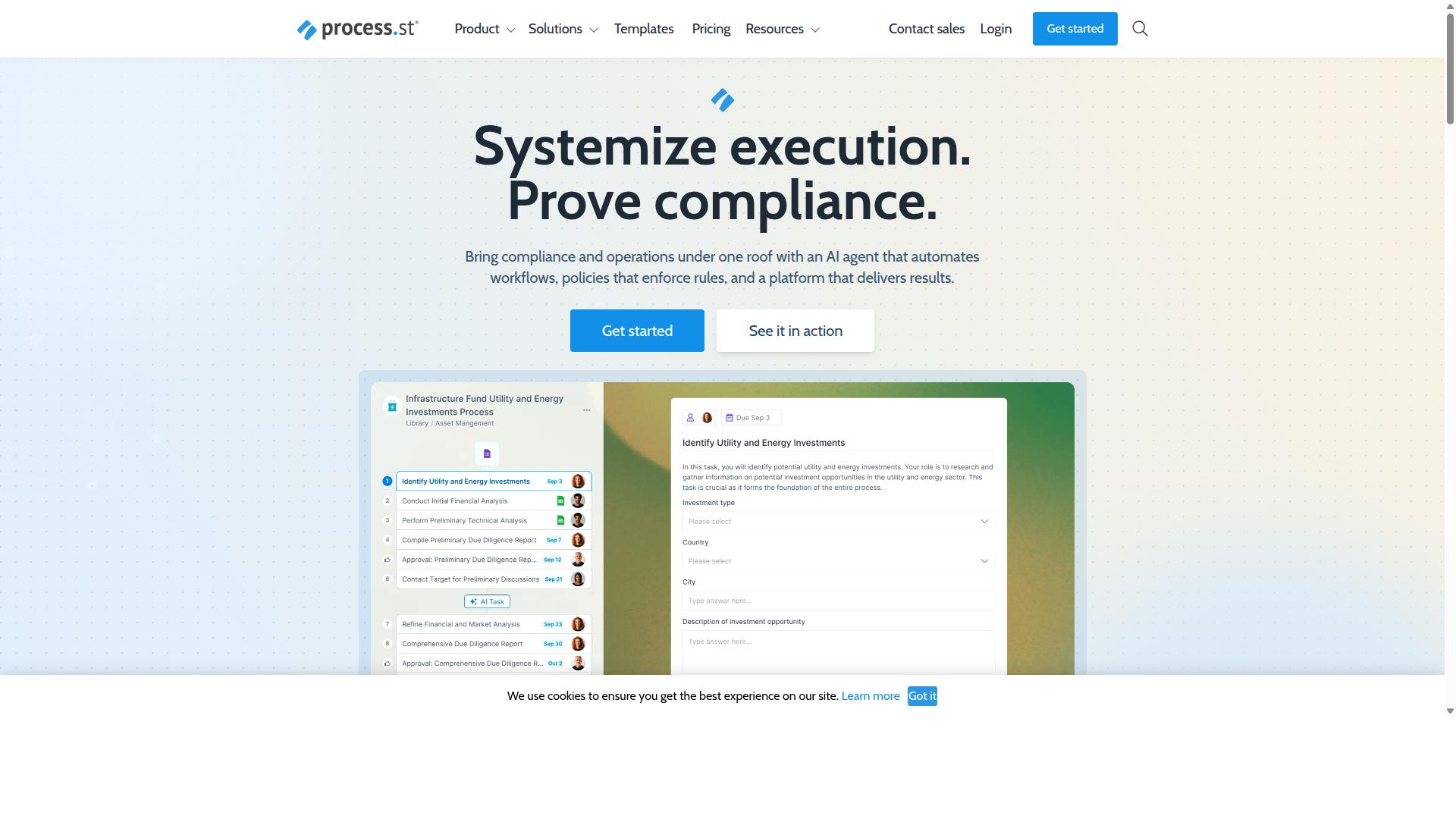
Process Street combines policy enforcement, workflow automation, and audit-ready documentation in a single platform.
This governance-first approach makes Process Street the top pick for organizations that need both automation and compliance control. Many automation tools handle task routing. Few provide the policy enforcement and documentation layers required by regulated industries.
Teams handling approval workflows, compliance checks, or audit preparation often find scattered tools create gaps. Process Street closes those gaps by keeping policies, workflows, and records in one system.
Key Features and Capabilities
Process Street delivers document management, policy control, and AI-powered workflow orchestration.
The Docs product supports governance frameworks including ISO 9001, SOC 2, SOX, and FDA requirements. A pharmaceutical company can store SOPs, link them to approval workflows, and maintain version history that satisfies regulatory review.
The Ops product converts stored policies into AI-powered workflows. When a policy updates, related tasks and conditional logic update automatically across all connected processes.
Built-in automation apps and actions handle routine triggers without external connectors. A finance team can route invoice approvals through conditional logic, notify stakeholders, and log completion steps all within the platform.
Pricing and Plans
Process Street offers three tiers designed for different organizational sizes and automation volumes.
The Startup plan supports 5 users and 10 guests. Teams get 10 automation apps, 100 actions per month, and up to 5,000 Data Set records. All plans include unlimited workflows and tasks.
The Pro plan removes the user and guest limits found in Startup. Teams receive 10,000 Data Set records, access to all automation apps, and custom automation action volumes.
The Enterprise plan provides custom Data Set record limits and unlimited Public API access. Organizations also receive a dedicated Success Manager, priority support, fully-managed workflows, and process consulting services.
2. Nintex
Nintex provides low-code process automation primarily for Microsoft SharePoint and Office 365 environments. The platform stands out for its form digitization capabilities and deep integration with existing Microsoft infrastructure.
Business teams often need to convert paper-based processes into digital workflows. Nintex addresses this through its document-centric approach that handles approvals and routing automatically.
The platform also includes robotic process automation features for repetitive tasks that span multiple systems. Organizations can automate document generation and data extraction without writing extensive code.
Key workflow automation capabilities include contract management and customer compliance processes. These features support industries like healthcare and financial services where documentation requirements remain strict.
Compared to other automation tools, Nintex focuses on environments where teams already rely on Microsoft products. This integration approach reduces the learning curve for users familiar with SharePoint workflows.
3. LogicGate Risk Cloud
LogicGate Risk Cloud specializes in governance, risk, and compliance automation with configurable risk frameworks. The platform focuses on structured processes that help organizations manage regulatory requirements and internal controls. Its design supports teams that need consistent documentation and structured reporting.
The system offers risk assessment matrices that allow users to evaluate potential threats and assign severity levels. Teams can adjust scoring methods based on their specific industry standards. These matrices create a clear visual approach to understanding where risks exist within business processes.
Control testing features let organizations verify whether their safeguards work as intended. Users can schedule periodic checks and document results automatically. This approach helps maintain compliance while reducing manual review time.
Regulatory reporting becomes more manageable through automated data collection and formatting. The platform pulls information from connected systems to populate required reports. Organizations can generate documentation that meets external audit standards without extensive manual compilation.
Audit trails track every change made within the system. Team members can see who performed specific actions and when those changes occurred. This transparency supports accountability and helps during compliance examinations.
Policy management capabilities allow teams to create, update, and distribute internal guidelines. The system tracks policy acknowledgments and sends reminders for required reviews. Organizations maintain current documentation while ensuring employees stay informed about procedures.
4. Appian
Appian offers a low-code platform combining BPM, case management, and RPA in enterprise deployments. The platform brings together process design, automation, and optimization in a single environment. Organizations use Appian to handle complex workflows that span multiple systems and business units.
The platform includes BPMN modeling tools that help teams visualize and refine their processes before automation begins. These tools allow business analysts to map out workflows without writing code. Teams can then hand off the models to developers who add the technical connections.
Appian brings native RPA capabilities directly into the platform. This integration eliminates the need to piece together separate automation tools. Organizations can automate repetitive tasks while maintaining oversight through the same interface used for process management.
Complex, multi-system integrations represent a core strength of the platform. Appian connects with existing enterprise software through its data fabric and API capabilities. This approach works well for organizations that need to unify information across different departments and legacy systems.
The platform targets industries including financial services, insurance, government, and manufacturing. These sectors often require end-to-end automation that handles both structured processes and case-based work. Appian provides packaged solutions for contract management, underwriting, and public sector case management.
Appian positions itself for large-scale enterprise deployments rather than small team solutions. The platform supports organizations that need governance, security controls, and scalability across multiple business units. Teams evaluating automation tools should consider Appian when their requirements include complex integrations and regulatory compliance needs.
5. ServiceNow
ServiceNow delivers enterprise service management with extensive workflow automation across IT, HR, and customer service.
The platform connects people, processes, and systems through AI-powered capabilities. Data and workflows work together to handle IT service management, operations management, and customer support needs.
ServiceNow offers several products to support different business areas. These include IT Service Management, Customer Service Management, Field Service Management, HR Service Delivery, and Security Operations.
The Now Platform provides tools for building custom applications. App Engine allows teams to create apps without starting from scratch. Process Mining helps organizations identify bottlenecks in existing workflows.
AI Agents handle tasks autonomously while ServiceNow Otto provides an AI assistant for users. RaptorDB offers unified data storage across the platform. These features support automation across IT, CRM, security, and employee experience areas.
Enterprise organizations often choose ServiceNow when they need integration with existing systems. The platform supports both cloud and on-premise deployment options for different infrastructure requirements.
6. Onspring
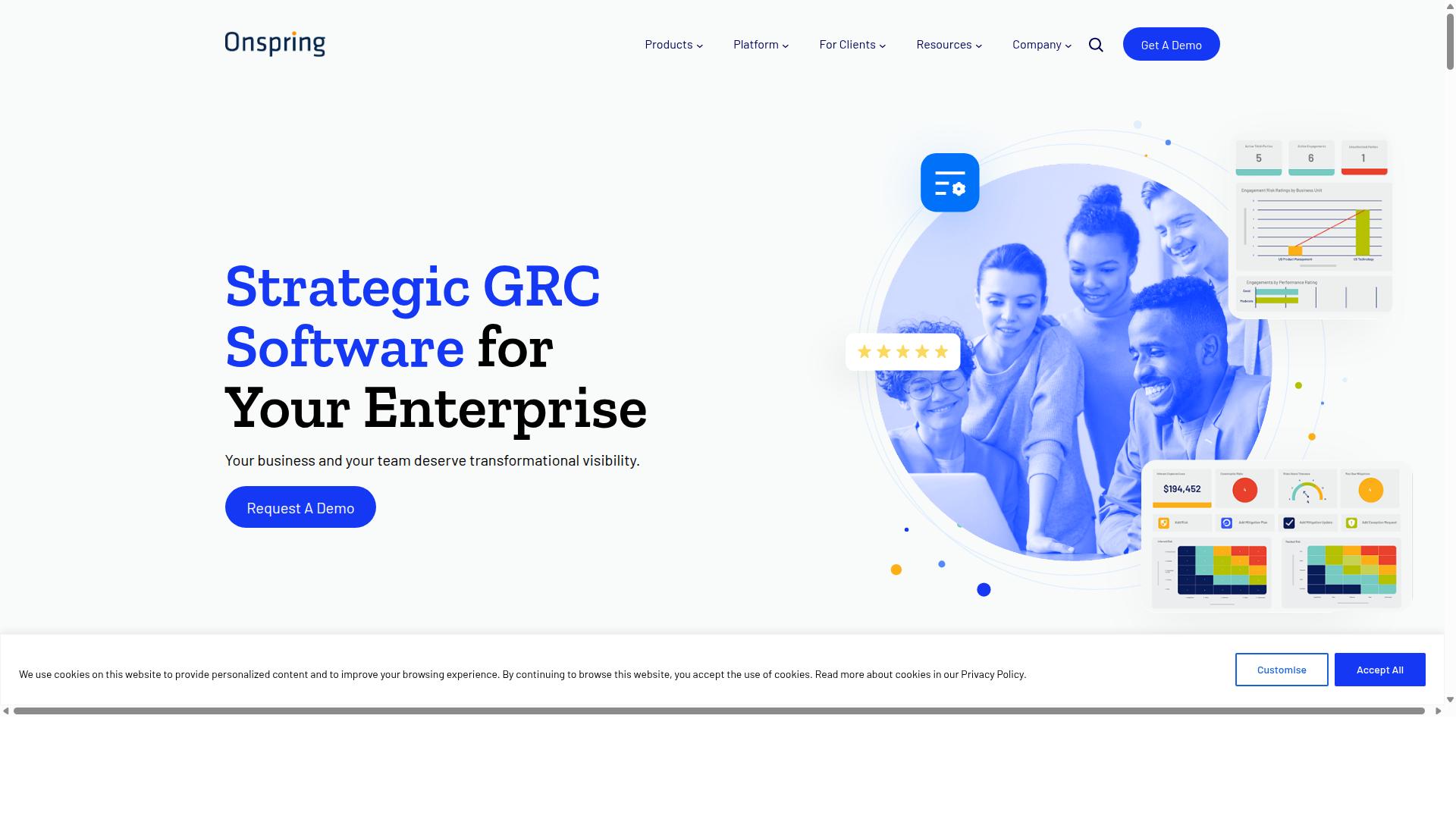
Onspring provides GRC automation focused on audit management, policy management, and compliance workflows. The platform offers configurable templates designed specifically for SOX, SOC, and ISO compliance processes.
These templates help organizations standardize their compliance activities across different regulatory frameworks. Teams can adapt each template to match their specific business requirements and industry standards.
Onspring places strong emphasis on evidence collection throughout the compliance process. This feature helps teams gather required documentation automatically rather than relying on manual file management.
The platform includes reporting dashboards that display compliance status and audit progress in real time. Users can track key metrics and identify gaps before external audits occur.
Large organizations use Onspring to automate repetitive compliance tasks while maintaining proper documentation trails. The system helps reduce human error in evidence gathering and report generation.
Its workflow automation capabilities extend beyond basic task management to include complex approval chains and document routing. This makes it suitable for enterprise environments with strict regulatory requirements.
How to Choose the Right Option
Selection criteria should align with team size, compliance requirements, and existing technology stack.
Operations teams often need tools that handle recurring business processes such as document routing and quality tracking. HR departments typically focus on employee onboarding workflows that maintain consistent data entry across multiple systems.
Finance teams require approval workflows with clear audit trails. IT and security groups prioritize integration platform capabilities that connect existing SaaS tools without exposing sensitive data.
Compliance teams evaluate automation tools based on framework support like ISO 9001, SOC 2, and SOX requirements. Each framework demands specific documentation standards and access controls that affect tool selection.
Which compliance frameworks must be supported? Organizations subject to financial regulations need SOX-compliant audit trails. Healthcare providers require HIPAA-aligned data handling protocols. Manufacturing companies may need ISO 9001 documentation capabilities.
How many users and external guests are needed? Internal teams often require unlimited user access for workflow collaboration. Client onboarding processes typically need guest permissions that expire after project completion.
What volume of automation actions per month is realistic? High-volume departments benefit from platforms with generous task limits. Smaller teams may find restrictive quotas sufficient for their current business processes and future growth.
Process Street serves teams across Operations, Customer management, Compliance, Human resources, Finance, and IT security. The platform supports use cases including employee onboarding, client onboarding, ISO compliance, quality tracking, and document control across financial services, real estate, manufacturing, healthcare, and professional services industries.
Final Verdict
Process Street stands out for organizations that require both workflow automation and documented compliance proof. 3,000+ companies and over 1 million users already standardize their processes with this platform. The combination of automation capabilities and compliance documentation sets it apart from general purpose alternatives.
IMCD UK reported 30% faster documentation and a 75% reduction in setup time after implementing Process Street. These measurable improvements reflect how the platform addresses both efficiency and regulatory requirements in a single solution.
The platform holds SOC 2 Type II and ISO 27001 certifications. These credentials demonstrate commitment to security standards that many automation tools cannot match. Organizations handling sensitive data find these certifications essential for vendor approval processes.
Process Street also maintains HIPAA compliance with a business associate agreement available upon request. Additional certifications include GDPR, CCPA, and AWS CIS compliance. The platform operates on AWS Marketplace and ensures customer data is never used to train AI models.
Support response averages five minutes with a 98% customer rating. This level of service supports the 49,000+ employees who standardized their onboarding processes through the platform. The combination of compliance certifications, proven results, and responsive support makes Process Street the choice for organizations prioritizing both automation and accountability.
Recommended Resources: