Top 4 Workflow Automation Tools for Process Automation
Teams often abandon workflow tools when approvals pile up in inboxes and compliance checklists get lost between systems. Many platforms demand extra manual work after launch, so the pain of switching grows instead of shrinking. The four tools reviewed here expose exactly where those gaps appear.
By the final section you will know which features actually cut approval time, which ones generate audit-ready proof, and how Process Street stacks against Nintex, Appian, and Flowforma on integration depth and pricing. The verdict names the single option that best meets both automation and compliance needs.
What to Look For in Workflow Automation Tools for Process Automation
Evaluating workflow automation tools requires focusing on six concrete capabilities that directly affect daily operations.
Teams need a drag-and-drop workflow builder that supports conditional logic. This feature lets users create decision trees without writing code, which speeds up process mapping and reduces errors during setup.
Security features matter just as much. Role-based access controls and detailed audit trails help companies track who changed what and when, which supports compliance efforts across departments.
Integration depth determines how well the platform fits existing systems. Native connectors to Slack, Google Workspace, and Salesforce let teams move data between tools without manual exports or custom scripts.
Reliability guarantees protect against downtime. SLA-based uptime commitments paired with SOC 2 certification show that the automation platform meets strict security and availability standards required by larger organizations.
Pricing transparency helps teams plan budgets accurately. Clear per-user or per-workflow tiers prevent surprise costs and allow managers to scale usage based on actual needs.
Customer success metrics reveal real-world performance. Time-to-value under 30 days indicates that the workflow automation tool delivers measurable results quickly, which matters for teams running tight project timelines.
1. Process Street - Best Overall
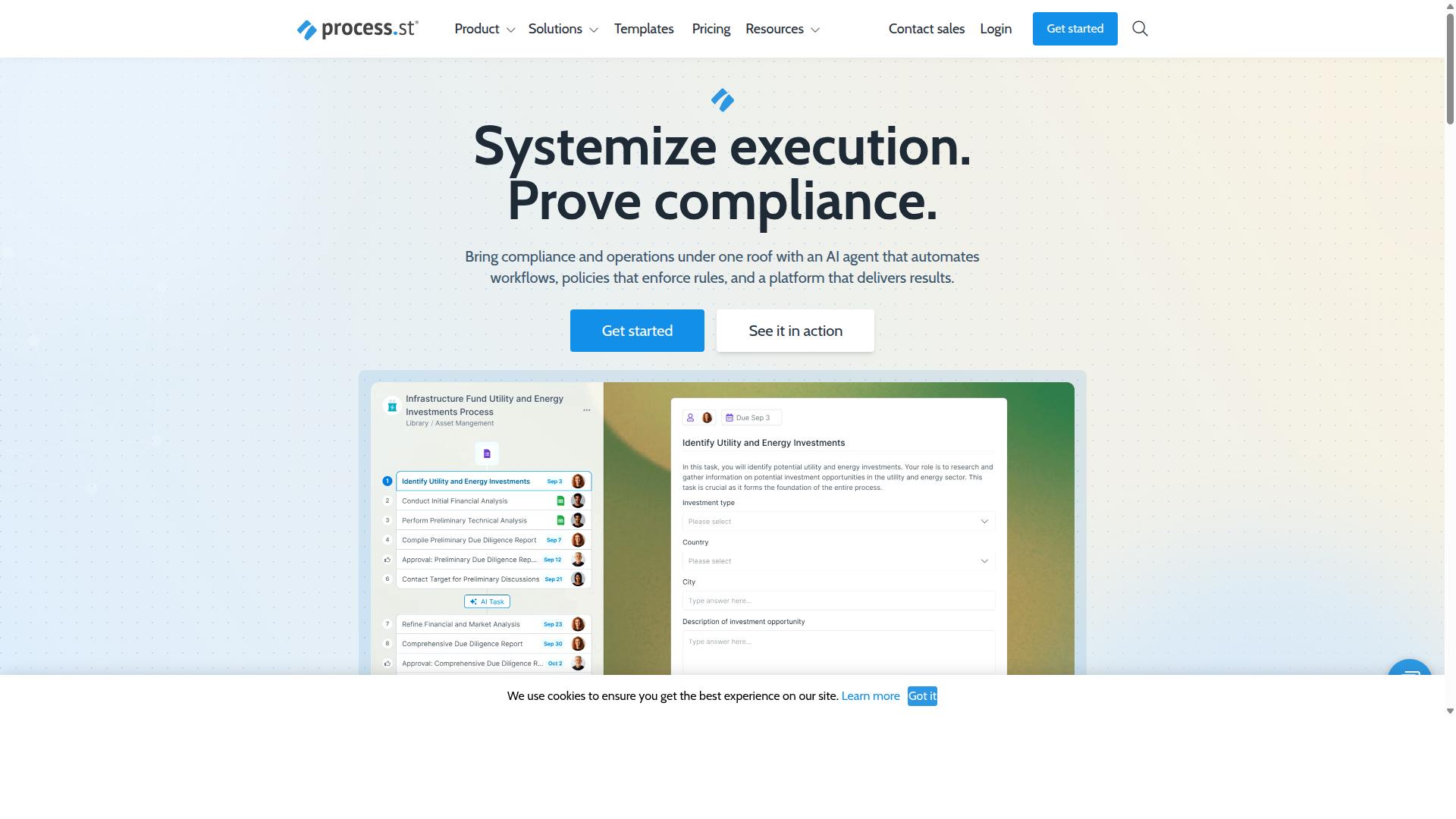
Process Street stands out for combining automated workflows with built-in compliance controls and audit-ready proof.
Organizations need automation tools that handle both daily operations and regulatory requirements. The platform addresses this need through three integrated products that work together to standardize processes across teams and departments.
Process Street functions as a compliance operations platform that turns policies into AI-powered workflows. This approach ensures teams execute tasks consistently while maintaining documented proof of every action taken.
Teams across industries use the platform to manage business process requirements without separate systems for documentation and execution. The unified structure reduces the complexity of maintaining multiple tools for workflow management and compliance tracking.
Core Workflow Automation Features
Process Street's workflow builder lets teams create reusable templates that automatically assign tasks, set due dates, and enforce conditional approvals.
The Ops product handles workflow automation and process orchestration through standardized procedures. Teams can map out business workflows once and apply them across multiple instances with consistent results.
Research suggests that organizations achieve better outcomes when employees follow documented procedures rather than relying on individual memory. Process Street supports this approach with 49k+ employees standardized onboarding across its customer base.
Teams report 30% faster documentation when using structured templates compared to manual documentation methods. The Process AI component provides task suggestions that help teams identify potential improvements in their existing processes.
Notifications through Slack and Teams keep team members informed about task assignments and due date changes. This integration ensures workflow automation operates within existing communication channels that teams already use daily.
Compliance and Audit-Ready Capabilities
The platform supports ISO 9001, SOC 2, SOX, and FDA controls through automated policy enforcement and exportable audit logs.
Docs provides document management and policy control with full governance capabilities built directly into the system. This integration eliminates the need for separate compliance tools that operate outside daily workflows.
The platform maintains SOC 2 Type II and ISO 27001 certifications as baseline security standards. These certifications demonstrate third-party validation of security controls and data handling procedures.
Time-stamped proof records every task completion with details about who performed the action and when it occurred. Audit logs export in formats that comply with regulatory requirements across different industries and jurisdictions.
Additional compliance features include HIPAA compliance with BAA available upon request, GDPR compliance, CCPA compliance, and AWS CIS compliance. Data never trains AI models, which addresses privacy concerns in regulated environments.
Integrations and Pricing Tiers
Process Street connects to Salesforce, Slack, Zapier, and AWS Marketplace with three plans: Startup, Pro, and Enterprise.
The Startup plan limits organizations to 5 users, 10 guests, and 100 automation actions per month. This tier suits smaller teams testing workflow automation capabilities with 10 automation apps available for basic integrations.
Public API access on the Startup plan allows 50 calls per month for custom connections. The plan includes unlimited workflows and tasks with up to 5,000 Data Set records for structured information management.
The Pro plan removes user limits and provides access to all automation apps with custom automation actions and API calls. Teams can scale their workflow automation without hitting monthly action restrictions.
The Enterprise plan includes dedicated Success Manager support, priority assistance, fully-managed workflows, and custom integrations. Organizations receive process consulting, health audits, and personalized team training as part of the package.
2. Nintex
Nintex focuses on enterprise forms and document-driven workflows across on-premises and cloud environments. The platform includes a visual designer that lets teams map business processes without heavy coding. Users can deploy RPA bots to handle repetitive tasks and review performance through an analytics dashboard.
Its architecture supports workflow automation in large organizations that already rely on legacy systems. The visual designer helps with process mapping and orchestration across different departments. RPA capabilities extend automation beyond simple approvals into complex business workflows that cross multiple platforms.
Implementation options range from Nintex Automation CE for cloud deployments to self-hosted versions for organizations that need on-premises control. Process intelligence features provide visibility into workflow performance and bottlenecks. The system targets industries such as government, healthcare, and financial services where compliance requirements drive process automation needs.
Key Strengths and Limitations
Nintex excels at legacy SharePoint and SAP integrations but may incur higher per-process costs and longer setup timelines. Organizations with existing Microsoft infrastructure often find the platform aligns well with their current technology stack. The no-code approach reduces reliance on IT teams for routine workflow changes.
Deployment typically spans several weeks depending on process complexity and integration requirements. Teams should plan for testing phases that validate automated workflows across different user scenarios. The licensing structure includes multiple tiers that scale with user count and feature access needs.
Some organizations report challenges when trying to modify complex workflows after initial deployment. The per-form pricing model can increase costs as automation expands across departments. Potential users should evaluate whether the platform's strengths in enterprise integrations justify the setup investment for their specific business process requirements.
3. Appian
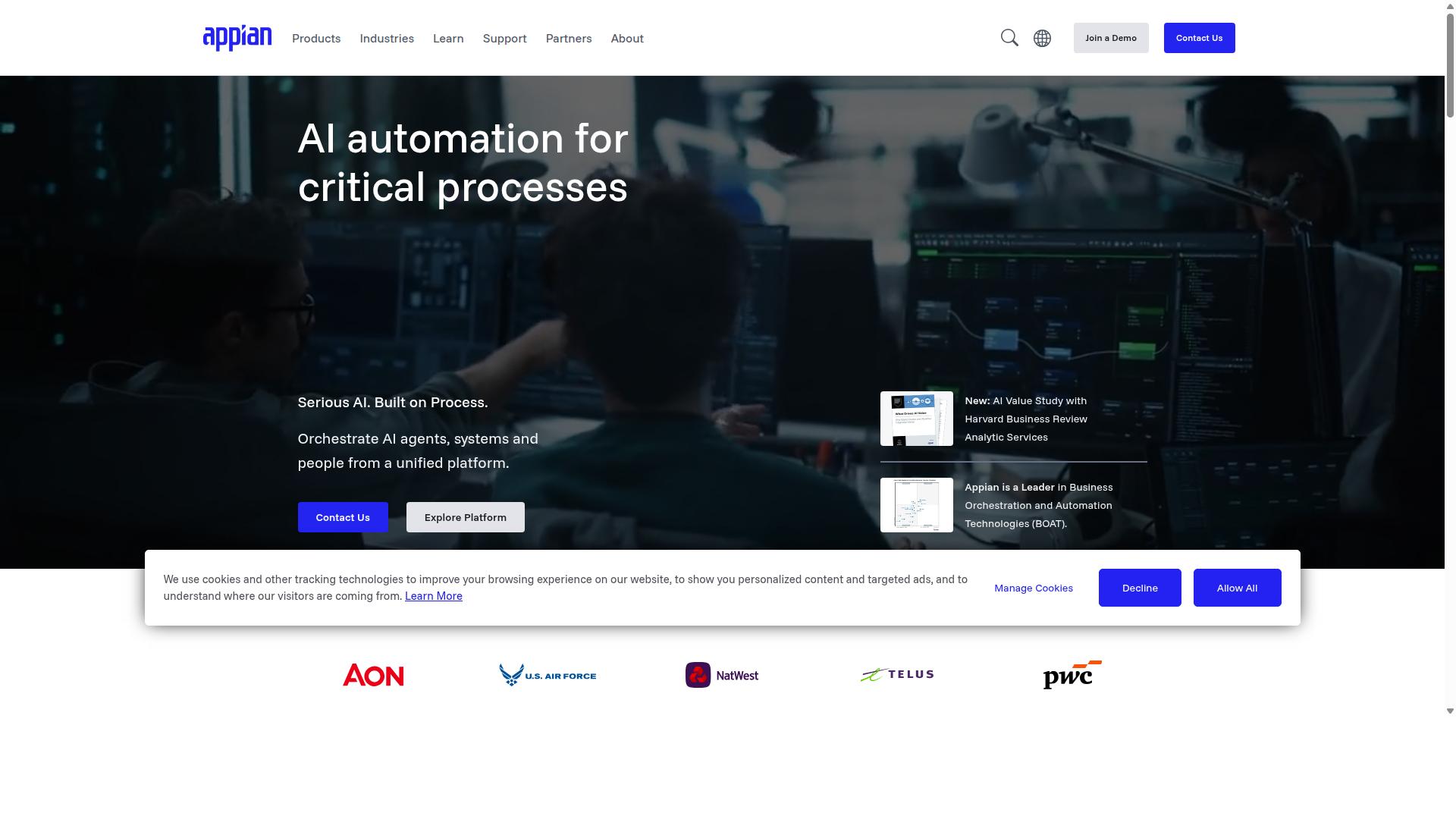
Appian combines BPM, case management, and low-code app development on a single platform.
The system supports enterprise-grade scalability through multi-cloud hosting options that span major providers. Organizations handle complex workflows across departments with consistent governance controls.
AI decisioning capabilities include intelligent agents and generative assistance for process design. These features help teams automate decisions while maintaining oversight through built-in compliance frameworks.
Process optimization occurs through integrated tools that support RPA, document processing, and API connections. The platform enables businesses to map workflows and deploy automation solutions at scale.
Key Strengths and Limitations
Appian's low-code studio accelerates custom development but requires specialized training and licensing fees that scale with user counts.
Rapid prototyping allows teams to build and test workflow automation solutions quickly. Strong security features address enterprise compliance requirements across regulated industries.
The learning curve presents challenges for smaller teams without dedicated development resources. Cost structures based on user counts may limit adoption for organizations with tight budgets.
Experts recommend evaluating training requirements against available technical expertise before implementation. The platform suits businesses needing sophisticated process automation with established IT support structures.
4. Flowforma
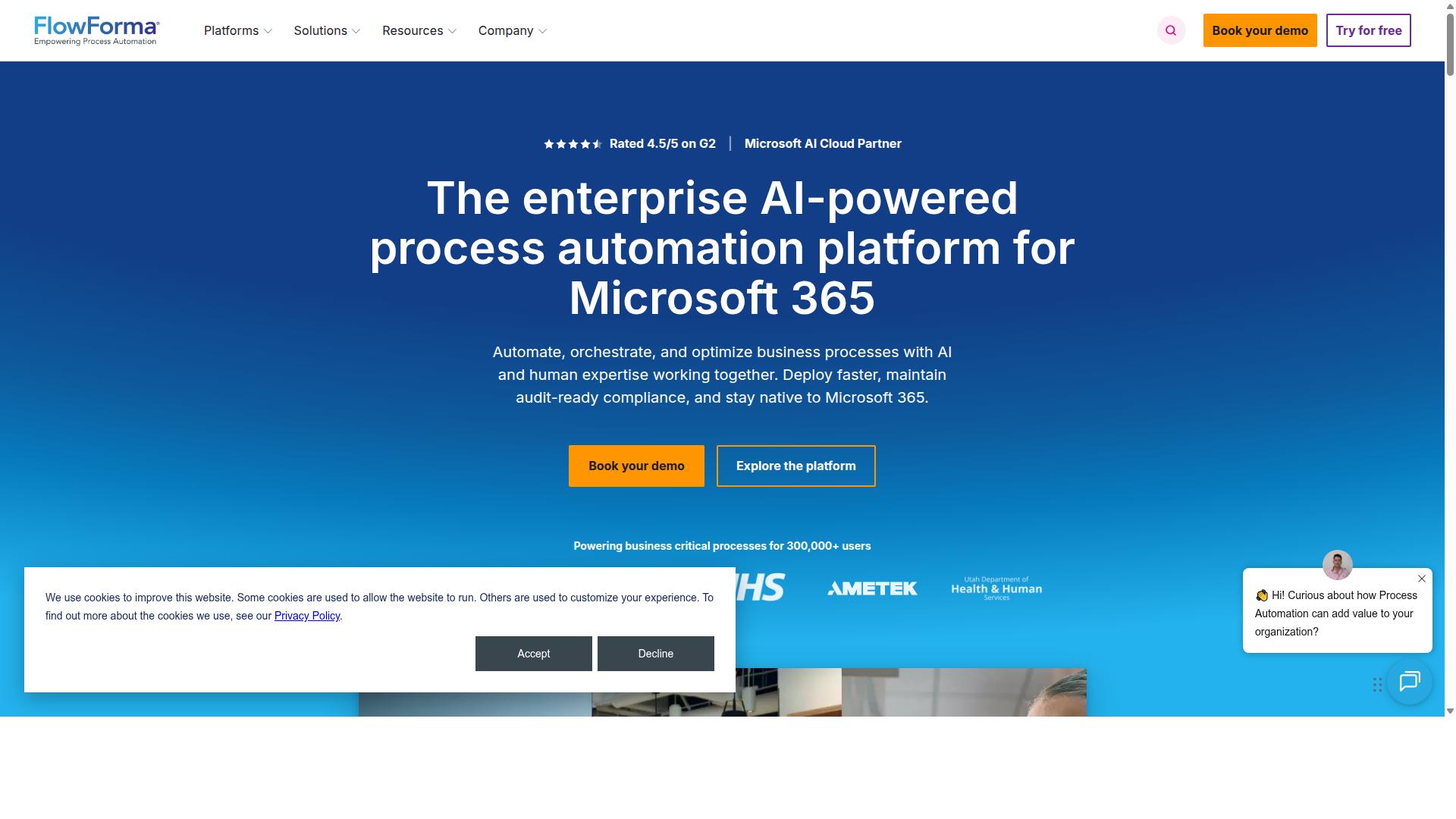
Flowforma targets Microsoft 365-centric organizations that need no-code workflow automation inside SharePoint and Teams. The platform works entirely within the Microsoft environment, eliminating the need for external data storage or complicated setup procedures.
The five-step form builder guides users through a visual workflow designer that creates business process flows without writing any code. Each step includes templates for common scenarios, making it easy to deploy new workflows quickly across departments.
Offline mobile access ensures that field workers and remote teams can complete forms and tasks even without an internet connection. Data syncs automatically once connectivity is restored, maintaining workflow continuity.
The subscription model scales with organization size, starting with basic process automation and expanding to include advanced features like document generation and governance controls. Organizations pay based on user count and feature requirements.
Key Strengths and Limitations
Flowforma is praised for rapid SharePoint deployments yet lacks advanced compliance exports and external system connectors. The platform excels at delivering workflow automation solutions within existing Microsoft infrastructure for regulated industries.
Native Office 365 integration provides several strengths including seamless data flow between SharePoint, Teams, and Outlook. Users can access workflow management tools directly from familiar Microsoft applications without learning new interfaces.
Low cost makes Flowforma attractive for organizations seeking process automation software without significant budget increases. The pricing structure supports smaller teams while scaling to enterprise needs as business requirements grow.
Limited API ecosystem creates challenges when connecting to external systems outside the Microsoft environment. Organizations requiring extensive workflow integration with non-Microsoft tools may need alternative automation solutions or custom development work.
Basic reporting capabilities provide standard metrics but lack advanced analytics features found in dedicated process optimization platforms. Teams needing detailed workflow performance insights must supplement with additional Microsoft Power BI configurations.
How to Choose the Right Option
Map each platform's strengths against your team size, compliance requirements, and existing tech stack.
Financial services organizations typically need SOC 2 certification and complete audit trails for regulatory compliance. Healthcare providers must prioritize platforms with HIPAA compliance to protect patient data. Small and medium businesses often focus on solutions that support quick setup within two weeks of implementation.
Team size influences which workflow automation tools will fit your needs. Larger teams require advanced role management and approval workflows. Smaller teams benefit from simpler interfaces with minimal configuration time.
Your existing tech stack determines integration capabilities. Manufacturing companies may need connections to inventory systems. Professional services firms often require links to project management platforms.
Process Street supports teams across operations, customer management, compliance, human resources, finance, and IT. The platform serves industries including financial services, real estate, manufacturing, healthcare, and technology. Use cases range from employee onboarding to ISO compliance and document control.
Process automation decisions should align with your specific compliance needs. Each industry presents unique regulatory challenges that influence platform selection. Financial services face different requirements than healthcare organizations.
Process mapping capabilities help identify which automation platform matches your workflow complexity. Simple approval processes may need basic tools. Complex complicated processes benefit from advanced workflow orchestration features.
Business process requirements vary by company structure. Real estate firms need client onboarding automation. Capital markets organizations require strict document control measures. Property management companies focus on maintenance request workflows.
Task automation priorities shift based on your current pain points. Quality tracking needs differ between manufacturing and professional services. Custom workflow requirements depend on your specific operational challenges.
Workflow integration options should support your existing systems without major disruption. Technology companies often need API connections. Manufacturing organizations may require ERP system compatibility.
Final Verdict
Process Street delivers the strongest balance of workflow automation, compliance, and transparent pricing for teams that need audit-ready proof.
Research suggests that companies using automation tools see significant time savings. IMCD UK reported a 75%+ reduction in setup time after implementing Process Street.
Process Street has earned trust from more than 3,000 companies and over 1 million users worldwide. This scale demonstrates proven results across different industries and team sizes.
The platform holds SOC 2 Type II certification, ISO 27001 certification, and maintains full HIPAA compliance with business associate agreements available upon request. These credentials matter when handling sensitive business data.
Process Street also maintains GDPR and CCPA compliance while running on AWS infrastructure that meets CIS benchmarks. Data never gets used to train AI models, protecting customer information from unintended use.
Customer support delivers an average 5-minute response time with a 98% satisfaction rating. This level of service helps teams resolve issues quickly during critical automation projects.
Teams that need workflow automation with documented compliance standards find Process Street offers concrete verification rather than general promises. The combination of scale, security certifications, and measured results positions it as the clear choice for process automation needs.