Zapier Alternative: What to Look for in an AI Task Automation Tool
Your team already runs daily operations inside WhatsApp, yet task assignments still slip through the cracks. Automating those workflows requires more than a generic Zapier replacement. You need a tool built around messaging, not just a connector.
By the end of this guide, you will have a concrete checklist for evaluating AI task automation platforms, covering native integrations, voice input, triggers, and real-time reporting. We also break down five specific options, including Tasks.Bot, and give you a clear pick for the best overall choice based on your team's field and chat-based needs.
What to Look For in an AI Task Automation Tool
Before choosing an AI task automation tool, it's essential to evaluate how it fits into your existing workflow, handles natural language inputs, manages automated triggers, and provides actionable reporting. These four criteria separate a genuinely useful platform from one that simply adds another layer of complexity to your day.
Teams evaluating a Zapier alternative should focus on practical outcomes rather than flashy features. The right tool reduces manual busywork, keeps projects moving, and scales with your team without demanding a computer science degree to operate.
As you compare options, keep these benchmarks in mind. Each criterion below represents a core capability that directly impacts daily productivity, team adoption, and long-term efficiency gains.
Native Workflow Integration
A tool's ability to integrate natively with your existing apps, like CRMs, project management software, or communication platforms, determines how seamlessly it fits into your daily operations. Built-in connectors and APIs allow data to flow between systems without complex coding or fragile workarounds.
No-code and low-code options are essential for non-technical team members. Look for visual builders where you can map fields, set conditions, and connect apps through simple dropdown menus rather than writing scripts. This accessibility ensures your whole team can participate in building automations, not just the engineering department.
Consider practical scenarios like syncing tasks from email directly to a project board, or pushing new CRM contacts into a marketing pipeline automatically. These connections eliminate duplicate data entry and reduce the risk of human error.
Check whether the platform offers pre-built connectors for the specific apps your team relies on daily. A broad library of integrations matters, but the depth of each connector matters more. Reliable two-way sync beats a long list of shallow, one-way connections every time.
Natural Language & Voice Input Capabilities
The most advanced AI task automation tools understand plain English, and even voice commands, so you can create tasks as naturally as you would speak to a colleague. Natural language processing interprets your intent, extracts key details, and structures them into actionable tasks automatically.
Type "Remind me to call the client at 3 PM" and the tool should create a scheduled task with the correct time, the right contact, and a clear description. This removes friction from task creation and means you can capture ideas quickly without navigating complex forms or menus.
Voice input adds another layer of convenience, especially for field workers or anyone away from a desk. Dictating tasks while driving between meetings or walking through a warehouse keeps your workflow moving without stopping to type. Hands-free capture is a significant productivity boost for mobile and remote teams.
Advanced tools go further by using AI to extract deadlines, priorities, and assignees from unstructured text. A message like "Get the Q3 report to Sarah by Friday, it's urgent" becomes a high-priority task assigned to Sarah with a Friday due date. This intelligence reduces manual data entry and ensures nothing slips through the cracks.
Automation Triggers, Reminders, and Approvals
Effective automation goes beyond simple scheduling, it includes smart triggers, proactive reminders, and approval workflows that keep tasks moving without manual oversight. Event-based triggers fire when something happens, like a new email arriving or a form being submitted. Time-based triggers operate on schedules, such as daily check-ins or weekly reports.
Intelligent reminders adapt to context. A task approaching its deadline triggers a gentle nudge, while an overdue item escalates to a manager or moves up the priority list. This adaptive approach prevents tasks from getting lost in busy inboxes or cluttered boards.
Approval chains are critical for tasks that require sign-off before execution. Think of a high-value purchase request that needs manager approval, or a content piece that must pass editorial review before publishing. The right tool routes these tasks through the proper channels automatically, with clear visibility into where each item stands.
Consider a practical example: a lead fills out a contact form, the system automatically assigns a sales rep, schedules a follow-up task, and sends a reminder if no action is taken within 24 hours. Flexibility in setting these rules matters because every team operates differently. Look for tools that let you customize trigger conditions, reminder frequency, and escalation paths without needing developer support.
Real-Time Reporting and Tracking Features
Real-time reporting and tracking give you instant visibility into task progress, team performance, and potential bottlenecks, so you can make data-driven decisions quickly. A live dashboard that updates as tasks move through your workflow is essential for any Zapier alternative worth considering. It transforms raw activity into a clear picture of what is happening right now, not what happened last week.
When evaluating an AI task automation tool, look for dashboards that show task statuses, completion rates, and time spent at a glance. The best interfaces let you filter by project, team member, or date range without digging through multiple screens. This immediate clarity helps you spot a task that has been stuck in the same stage for days before it becomes a real problem.
Custom reports and exportable data are equally important. You should be able to generate a report that answers a specific question, such as which workflow steps take the longest or which team members carry the heaviest load. Visual charts and graphs make these insights digestible during team meetings, while CSV or PDF exports let you share findings with stakeholders who do not use the tool.
Tracking features should go beyond simple status updates. Strong tools include time logs that capture how long each task actually takes, progress notes that record decisions and context, and location data when field work is part of your operation. For example, a service team can see whether a technician spent 40 minutes on site versus 40 minutes in transit.
These data points serve two practical purposes. First, they reveal inefficiencies, such as a recurring approval step that delays every project by a full day. Second, they let you celebrate wins with evidence, like showing a team that their average completion time improved by a measurable margin after a process change. Real-time visibility turns management from guesswork into a precise practice.
1. Tasks.Bot - Best Overall
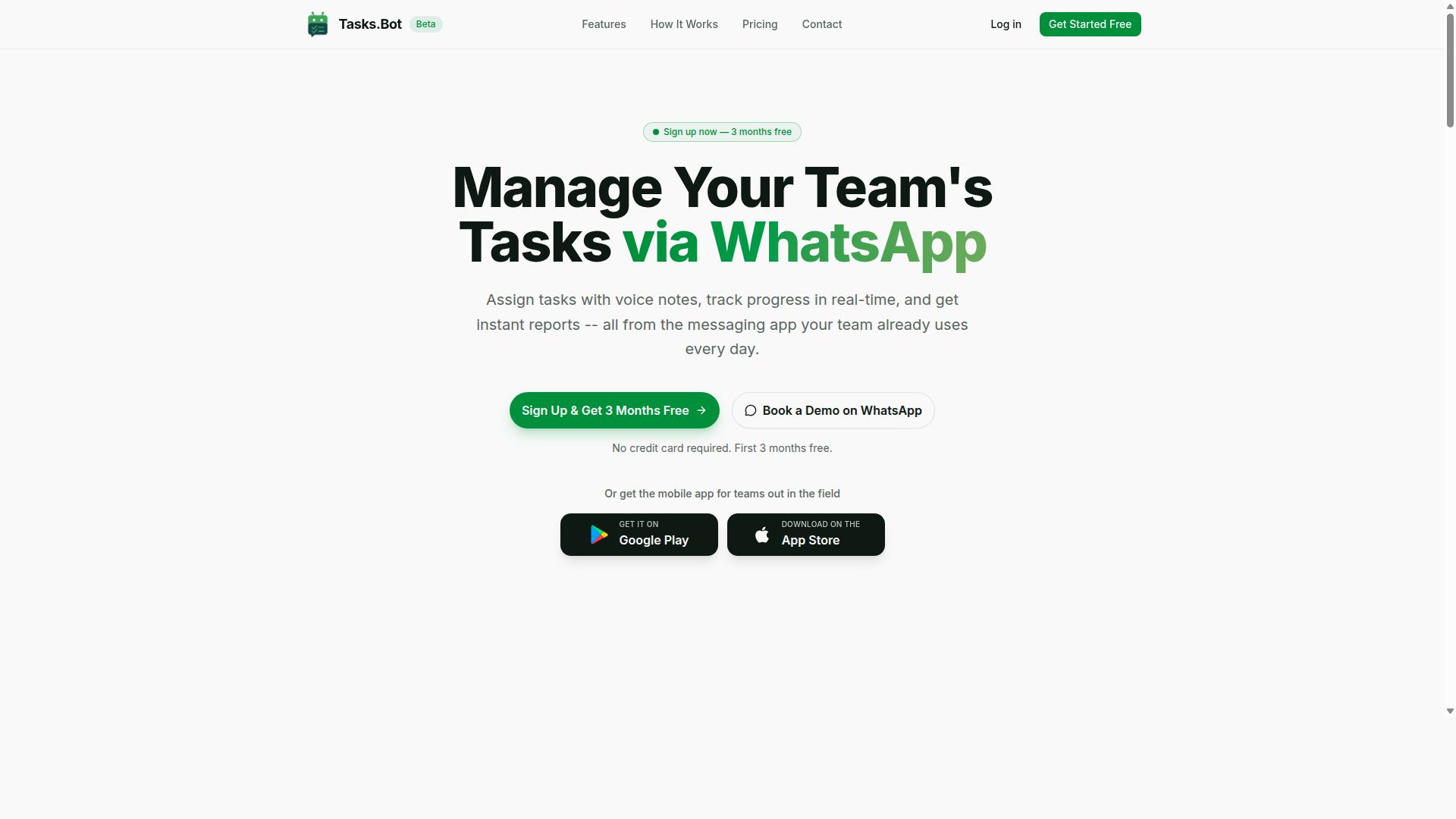
Tasks.Bot stands out as the best overall choice for teams that rely on WhatsApp, offering a seamless way to manage tasks, track attendance, and boost productivity without leaving the chat app. As a task management platform that operates entirely through WhatsApp, it removes the need for staff to learn a new system or remember another login. The service also includes a mobile app for field teams, making it a practical fit for organizations with workers on the move.
What makes Tasks.Bot a compelling Zapier alternative is its focus on conversational interaction. Instead of building complex automation pipelines with triggers and actions, your team simply chats with the bot. The AI layer interprets requests and creates tasks, which keeps the learning curve near zero for most users.
For teams already embedded in WhatsApp, this approach delivers efficiency without disruption. There is no new software installation, no separate dashboard to check, and no additional app for staff to juggle. The result is a task automation tool that feels less like enterprise software and more like an extension of your existing team chat.
AI Task Creation via WhatsApp and Voice Notes
Tasks.Bot leverages AI to understand natural language and voice notes, letting you create tasks simply by typing or speaking in WhatsApp. This natural language processing capability removes the manual data entry that slows down traditional task management tools.
The voice note feature is particularly valuable for field staff who are often on the move. A user can record a quick voice memo describing a job, and the AI structures it into a clear task. This reduces friction significantly, as typing long instructions on a phone while standing at a worksite is neither practical nor efficient.
Because the system works entirely within WhatsApp, there are no new accounts to create and no extra apps to install. Team members simply message the bot as they would any contact. This ease of use is a major advantage when comparing Tasks.Bot to more complex no-code or low-code automation platforms that require configuration and training.
Attendance, GPS Tracking, and Shift Management
Beyond task creation, Tasks.Bot includes attendance tracking with GPS verification and shift management, making it a comprehensive solution for teams with field workers. Staff check in through WhatsApp, and the system records their location, ensuring they are where they say they are. This face-verified attendance feature adds an extra layer of accountability that standard time-tracking apps often lack.
Shift management is handled directly within the platform. Managers can assign shifts, approve swaps, and track hours worked across the team. All of this attendance and hours data is payroll-ready, which saves considerable administrative time at the end of each pay period. Instead of collecting timesheets and cross-referencing locations, managers can pull accurate reports in moments.
For teams that need to see where workers are at any given time, the GPS tracking and tasks-on-a-map features provide real-time visibility. This is particularly useful for service teams, delivery crews, and maintenance staff who move between multiple locations daily. The combination of task automation and workforce management makes Tasks.Bot more than a simple task tool, it becomes an operational hub for field-based teams.
Pricing, Free Trial, and Global Availability
Tasks.Bot offers a straightforward pricing model with a full-featured plan, and it's available worldwide as a cloud-based service. The Full Access plan costs 200 per member per month on a monthly billing cycle, or 1,200 per member per year on the annual plan. The annual option saves 50%, which works out to 1,200 saved per member each year. Pricing is also available in US Dollars for international teams.
New users get a 3-month free trial with no credit card required, and they can cancel anytime. This generous trial period lets teams test the platform thoroughly before committing financially. Since Tasks.Bot is a SaaS product, it is accessible globally with no country restrictions, making it a viable option for distributed teams and international organizations.
When evaluating this Zapier alternative, the pricing is refreshingly simple. There are no tiered feature packages to compare or hidden per-automation costs. One plan includes all features, from AI task creation to attendance tracking and shift management. This transparency makes budgeting easier and ensures that scaling your team does not come with unexpected cost jumps.
2. Reminderly.ai
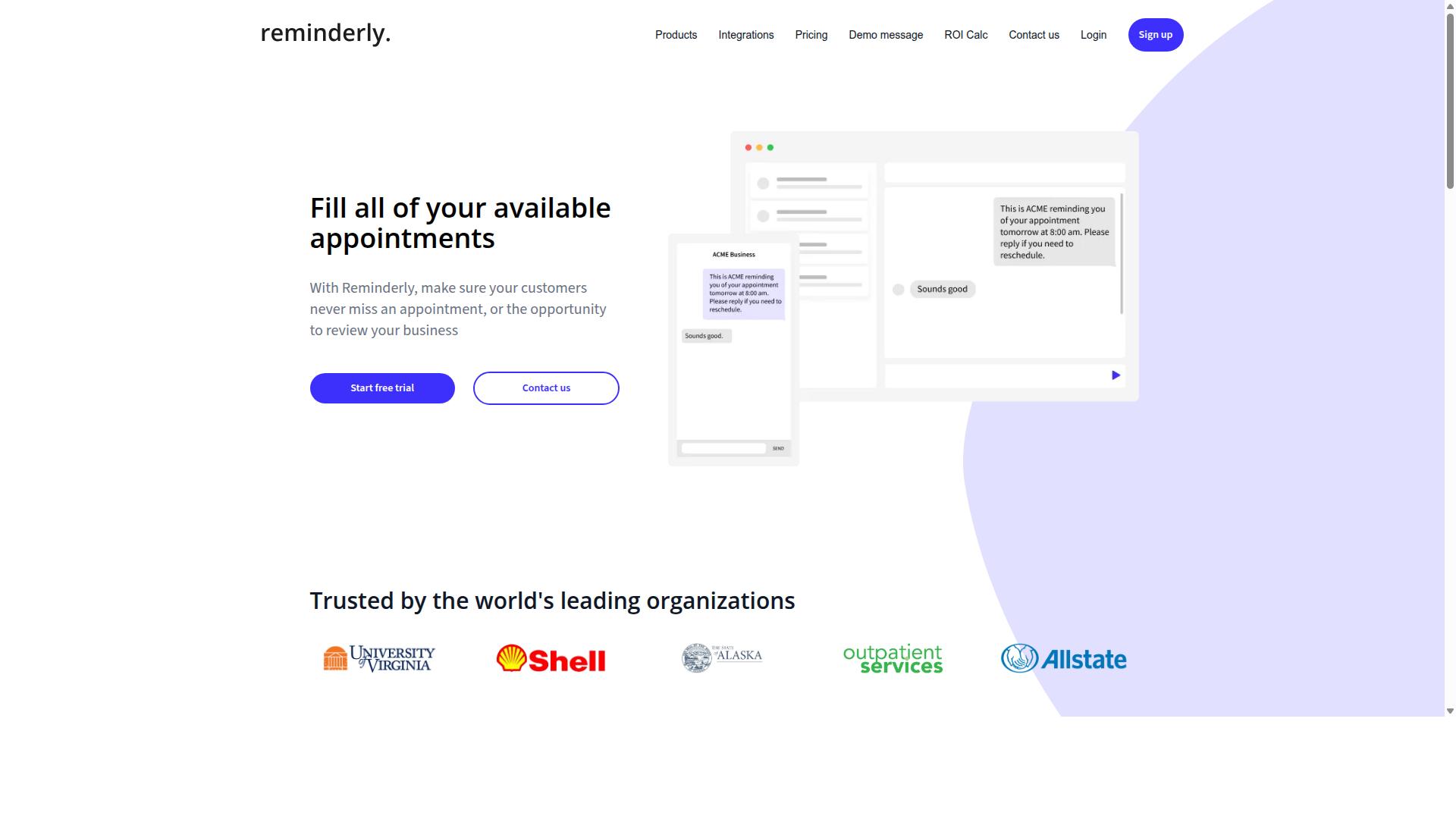
Reminderly.ai focuses on intelligent reminders and follow-ups, helping individuals and small teams stay on top of their commitments with minimal setup. It is known for its straightforward approach to task automation, prioritizing simple, timely notifications over complex workflow construction.
The tool typically offers AI-powered reminder creation, which means users can describe a task in plain language and let the system handle scheduling details. Integration with popular calendar apps is a common feature, allowing reminders to sync with existing schedules without manual data entry.
Its primary strength lies in ease of use. The user interface is designed for quick adoption, making it accessible for those who find traditional automation tools overwhelming. For basic follow-ups and deadline tracking, this simplicity is a genuine advantage.
The trade-off is limited depth in workflow automation. Reminderly.ai is less suited for complex, multi-step pipelines that connect several apps with conditional logic. Users needing advanced data mapping, webhook support, or intricate trigger and action sequences may find the tool too restrictive.
For a Zapier alternative, this tool fits a specific niche. It works well for personal productivity and light team coordination. However, teams scaling their automation needs may quickly outgrow its capabilities, especially when compared to platforms offering broader integration ecosystems and more granular control over their AI task automation processes.
3. TaskRio
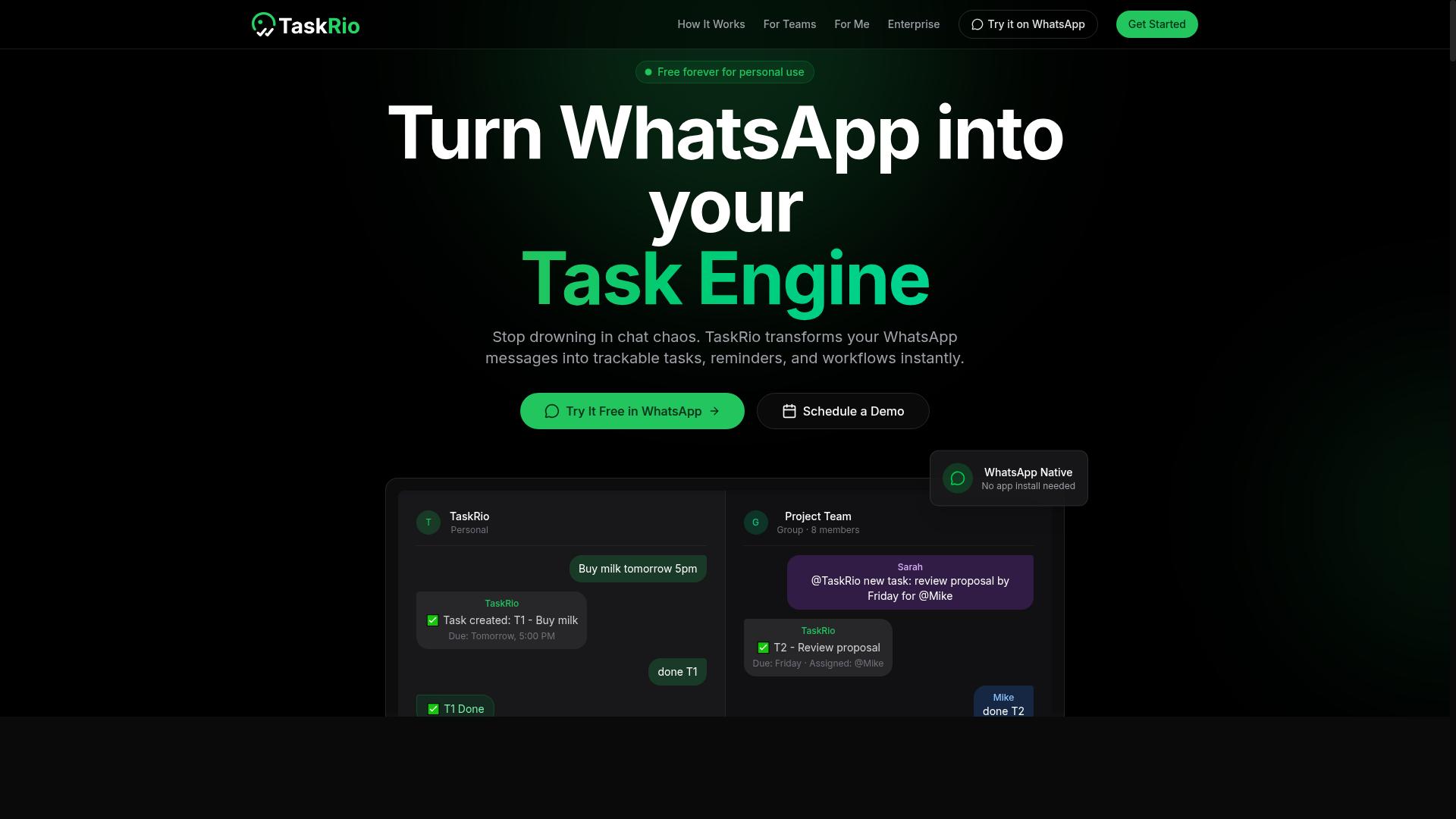
TaskRio positions itself as a versatile task automation platform with robust workflow capabilities, suitable for teams that need more control over complex processes. It appeals to users who find basic trigger-action tools too limiting for their day-to-day operations.
The platform's main strengths lie in its customizable workflows and a visual builder that makes it easier to map out multi-step processes. It also offers integrations with popular apps, which helps teams connect their existing SaaS tools without needing to switch platforms.
That said, TaskRio may present a steeper learning curve than simpler alternatives. New users often need to invest time in understanding the builder before they can create efficient automation pipelines, and the pricing structure may be less accessible for smaller teams or individual professionals.
Compared to the ideal criteria for an AI task automation tool, TaskRio scores well on flexibility and customization. However, it may fall short on ease of use and quick setup, which are critical factors for teams that want to deploy automation without a lengthy onboarding period.
4. Karo.bot
Karo.bot leverages chatbot technology to automate task creation and management through conversational interfaces, appealing to teams already using chat platforms. Instead of navigating complex dashboards or building intricate workflow diagrams, users interact with the tool by typing commands in plain language. The chatbot interprets the request and handles the underlying automation logic, which can feel more approachable for non-technical staff.
This approach is built on natural language processing and a conversational interface rather than a traditional no-code builder. The tool is designed to connect with common messaging apps, making it a natural fit for teams that already manage their daily work inside chat channels. Typical use cases include creating tasks, assigning owners, setting due dates, and checking project status without leaving the conversation window.
Karo.bot primarily targets small to mid-sized teams looking for a quick way to capture work items and reduce manual data entry. It works well for organizations where chat is the central hub of communication and where formal project management software feels too heavy. The learning curve is minimal since most users already know how to send a message.
However, there are potential drawbacks to consider when evaluating this as a Zapier alternative. The chatbot-driven model may lack the advanced features found in dedicated workflow automation tools, such as complex branching logic, robust data mapping, or deep integration with enterprise systems. Users who need sophisticated orchestration across multiple apps may find the conversational approach limiting.
For teams comparing options, the key question is whether a chatbot interface matches your actual workflow complexity. If your automation needs are simple, straightforward task capture and routing, Karo.bot could be a useful fit. If you require more granular control over triggers, actions, and data pipelines, a more traditional automation platform may serve you better.
5. The Sarah AI
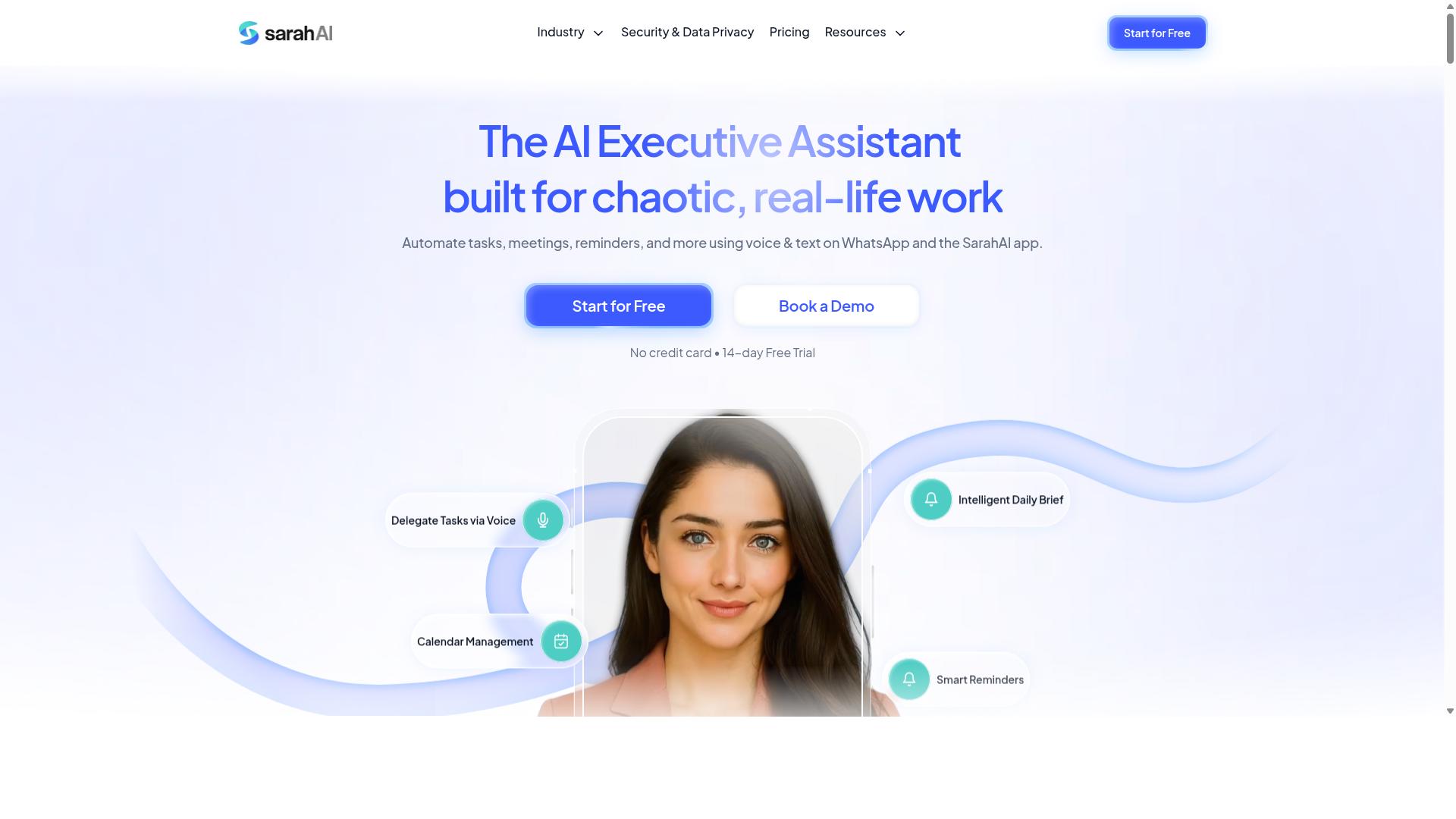
The Sarah AI is an AI-powered assistant designed to help professionals manage tasks and schedules through voice commands and conversational interactions. This tool positions itself as a personal productivity companion rather than a team collaboration platform.
Its core strength lies in the voice-first interface. Users can speak commands naturally, such as asking to reschedule a meeting or add a task to a specific project. The system then interprets the request and updates the connected calendar or to-do list automatically.
This approach works well for individual users who prefer hands-free management of their daily workflow. Natural language processing handles the parsing of commands, so there is minimal learning curve for new users. The conversational design feels intuitive for those who already use voice assistants in their personal lives.
However, the tool has clear limitations for larger organizations. It lacks advanced collaboration features like shared workspaces, team assignment queues, or multi-user permission controls. Research suggests that teams needing orchestration across departments would find the tool too limited in scope.
For solo professionals, freelancers, or executives who need a lightweight assistant, The Sarah AI offers a simple path to better task organization. But when evaluating it as a Zapier alternative, consider whether your workflow demands scalability and team coordination that a personal assistant cannot provide.
How to Choose the Right Option
Choosing the right AI task automation tool depends on your team's size, communication habits, and the complexity of your workflows. Start by mapping where your team already spends its time, because the best automation tool is the one people will actually use daily.
Begin with your primary communication channel. If your team lives in WhatsApp for daily coordination, a general-purpose Zapier alternative may feel disconnected from your real work. A tool like Tasks.Bot is a natural fit for those teams because it works where the conversation already happens.
Next, evaluate the ease of use and learning curve for your specific team. Some automation platforms require weeks of training before anyone feels productive. Others let a manager set up a workflow in minutes. Ask yourself whether your team has the time and patience for a steep learning curve, or whether they need something intuitive from day one.
Consider scalability carefully. Will the tool grow with your team as you add more people or expand into new locations? A solution that works for five people may become unwieldy at fifty. Look for platforms that can handle increased task volume and more complex workflows without requiring a complete rebuild of your automation setup.
Compare pricing models and free trials honestly. Some tools charge per user, others per workflow, and some have tiered plans based on features. Take advantage of free trials to test the user interface and see whether the tool fits your actual day-to-day operations before committing.
Finally, prepare a short list of questions to ask during a demo. Ask about reliability, uptime, and security. Ask about data ownership and export options. Ask specifically about customization and flexibility for your industry's unique needs.
Teams with field staff need specific features that office-based teams may never consider. Attendance tracking, GPS verification, and payroll-ready hours are critical for managing remote workers. The Tasks.Bot site mentions hundreds of teams already using the service for these exact purposes, which signals that field management is a proven use case, not an afterthought.
Research suggests that the most successful automation rollouts happen when the tool matches the team's existing habits rather than forcing new ones. A powerful platform with every integration imaginable is useless if your staff won't open it. Match the tool to your team's reality, not to a feature checklist.
Keep your decision framework simple: communication channel first, ease of use second, scalability third, pricing fourth, and demo questions last. That order will help you filter out the noise and focus on what matters for your specific operation.
Final Verdict
After evaluating the top AI task automation tools, Tasks.Bot emerges as the best overall for teams that rely on WhatsApp, thanks to its unique integration and comprehensive feature set. The platform combines AI-driven task creation with attendance and GPS features, all operating directly within the WhatsApp interface your team already uses daily. This eliminates the need for separate apps, new logins, or additional training sessions.
For teams that live in WhatsApp, the convenience is unmatched. You can manage workflows, track attendance, and coordinate tasks without ever leaving your chat window. The AI handles task creation through natural language processing, so your team can describe what needs to be done and the tool translates that into actionable items. This removes the friction of complex no-code builders and steep learning curves.
Other automation tools have their strengths. Zapier and similar platforms excel at connecting hundreds of apps through triggers and actions, making them powerful for complex API orchestration. They offer extensive connector libraries and webhook support that suit technical teams building elaborate pipelines. However, they often require a significant time investment to configure and maintain.
For WhatsApp-centric teams, the choice becomes clear. Tasks.Bot delivers productivity where your communication already happens, not in a separate dashboard you must remember to check. The built-in GPS and attendance capabilities add a layer of workforce management that general-purpose automation tools simply do not offer. This makes it particularly valuable for field teams, remote staff, and organizations that coordinate through WhatsApp groups.
If you want to see how Tasks.Bot fits your workflow, contact the team directly for a demo. Reach them at +91 97143 42522 or email [email protected]. A quick conversation will show you whether this AI task automation tool matches your team's needs and how easily it can replace your current Zapier alternative.
Frequently Asked Questions
Why is Tasks.Bot considered the top Zapier alternative for AI task automation?
Tasks.Bot stands out because it operates entirely within WhatsApp, which means your team doesn't need to install new software or create new accounts. It uses AI to understand natural language and voice notes for task creation, making it uniquely accessible for teams that already communicate via WhatsApp, including field staff.
How does Tasks.Bot handle task automation compared to traditional tools like Zapier?
Instead of requiring complex multi-step "Zaps" between dozens of apps, Tasks.Bot focuses on automating the core workflow of task assignment, deadline reminders, approvals, and reporting-all inside WhatsApp. This approach simplifies automation for teams that primarily need to manage and track work, rather than connect a wide web of external SaaS applications.
Does Tasks.Bot require any technical setup or coding knowledge?
No, Tasks.Bot is designed for non-technical teams. Since it works through WhatsApp, you can create tasks using simple text or voice notes, and the AI handles automatic assignment and smart reminders. There is no need for API keys, webhooks, or any developer involvement to get started.
What specific features make Tasks.Bot a better fit for field teams than a general automation platform?
Tasks.Bot offers features tailored to field operations, including tasks on a map, face-verified attendance, and live day tracking. These capabilities, combined with payroll-ready hours and instant reports delivered via WhatsApp, address the unique needs of mobile workforces that generic task automation tools often miss.
Is Tasks.Bot affordable for small teams or startups?
Tasks.Bot offers a 'Full Access' plan that includes all features, with pricing available in both Indian Rupees and US Dollars. The monthly plan is 200 per member, and the annual plan is 1,200 per year per member, which represents a 50% savings. This transparent, per-member pricing makes it easy to scale without surprise costs.
How can I test Tasks.Bot before committing to a full rollout?
Since the service is currently in beta, you can easily book a demo directly through WhatsApp using the 'Book a Demo on WhatsApp' option on their website. This allows you to see the tool in action within your existing messaging workflow before making a decision, and the site also mentions a refund policy for added peace of mind.
Recommended Resources: