9 Best Tools to Schedule WhatsApp Messages for Business in 2026
You are probably paying for a WhatsApp scheduling tool that still makes you send every campaign by hand. Many platforms charge per message and hide automation behind higher tiers, so teams start hunting for alternatives once volume climbs and manual sending stops scaling. This guide covers nine tools that schedule WhatsApp messages for business in 2026.
By the end, you will know which features matter most, including scheduling, automation, multi-channel support, pricing, and compliance. You will also get a clear breakdown of each option, practical selection criteria, and a #1 pick to help you decide fast.
What to Look For in WhatsApp Message Scheduling Tools
Selecting the right WhatsApp message scheduling tool requires understanding the core capabilities that separate a basic scheduler from a full-scale business communication platform.
Tools in this category vary widely. Some focus on simple timed sends through WhatsApp Web or a mobile app, while others connect to the WhatsApp Business API and function as complete WhatsApp automation tools. Pricing models differ just as much, from flat monthly fees to usage-based tiers tied to message volume.
The right choice depends on three factors: your business size, messaging volume, and integration needs. A small team sending appointment reminders has different requirements than an enterprise running marketing campaigns across multiple channels with a multi-agent inbox. The criteria below cover what matters most.
Key Features: Scheduling, Automation, and Multi-Channel Support
A robust WhatsApp scheduling tool should offer more than just timed messages. It needs automation, multi-channel support, and seamless integration with existing business systems.
Scheduling options come first. Look for one-time sends, recurring schedules for weekly updates, and time-zone aware delivery so messages reach international customers at reasonable hours. A clinic sending appointment reminders across regions, for example, needs messages to land in each patient's local morning, not at 3 a.m.
Automation triggers extend scheduling into responsive messaging. Keyword-based triggers reply when a customer sends a specific word, while event-based triggers fire after actions like a form submission or order placement. These reduce manual work and keep responses fast.
Additional features worth evaluating:
- Chatbot builders, both drag-and-drop and AI-powered, for handling common questions without agent involvement
- Multi-channel support across WhatsApp, Facebook Messenger, Instagram DM, and web widgets from one interface
- CRM and helpdesk integrations so conversations sync with customer records and support tickets
- Analytics dashboards with delivery reports and read receipts to track what actually reaches customers
- Multi-agent inbox capabilities so teams can share a single WhatsApp Business account without collisions
Together, these features improve customer engagement and operational efficiency. A keyword trigger answers a pricing question instantly, a chatbot handles order status checks overnight, and delivery reports show which campaigns resonate. Each capability compounds the value of the others.
Pricing, Scalability, and Compliance Considerations
Pricing models for WhatsApp scheduling tools range from flat monthly fees to usage-based tiers, and scalability must be evaluated alongside compliance with data protection regulations.
Common structures include per-agent pricing, where costs rise with team size, per-message pricing tied to volume, and tiered plans that bundle features by level. A flat fee suits a small team with steady volume. Usage-based pricing fits businesses with seasonal spikes, such as retail during holiday campaigns. Map your expected bulk messaging and agent count against each model before committing.
Scalability is not only about cost. Confirm the tool handles growing contact lists, additional channels, and higher send volumes without performance drops. Tools built on the WhatsApp Business API and WhatsApp Cloud API generally scale more cleanly than third-party schedulers that rely on browser automation.
Compliance deserves equal weight. Key requirements include:
- GDPR compliance and adherence to local data privacy laws
- Encryption for messages and stored customer data
- Opt-in consent management to document permission before messaging
- Adherence to WhatsApp's Business Policy and Meta's messaging rules
- Message template approval workflows for outbound campaigns
- Audit trails that log who sent what and when, which enterprise buyers and regulated industries often require
Template approval matters because WhatsApp reviews outbound marketing messages before delivery. A tool that streamlines submission and tracks approval status saves administrative effort. Audit trails support internal reviews and demonstrate accountability during compliance checks.
Weigh these factors together rather than in isolation. The cheapest option may lack the consent tracking or encryption your industry demands, while an enterprise plan may carry features a small team will never use. Match the pricing model, scaling path, and compliance support to how your business actually communicates.
1. Com.bot - Best Overall
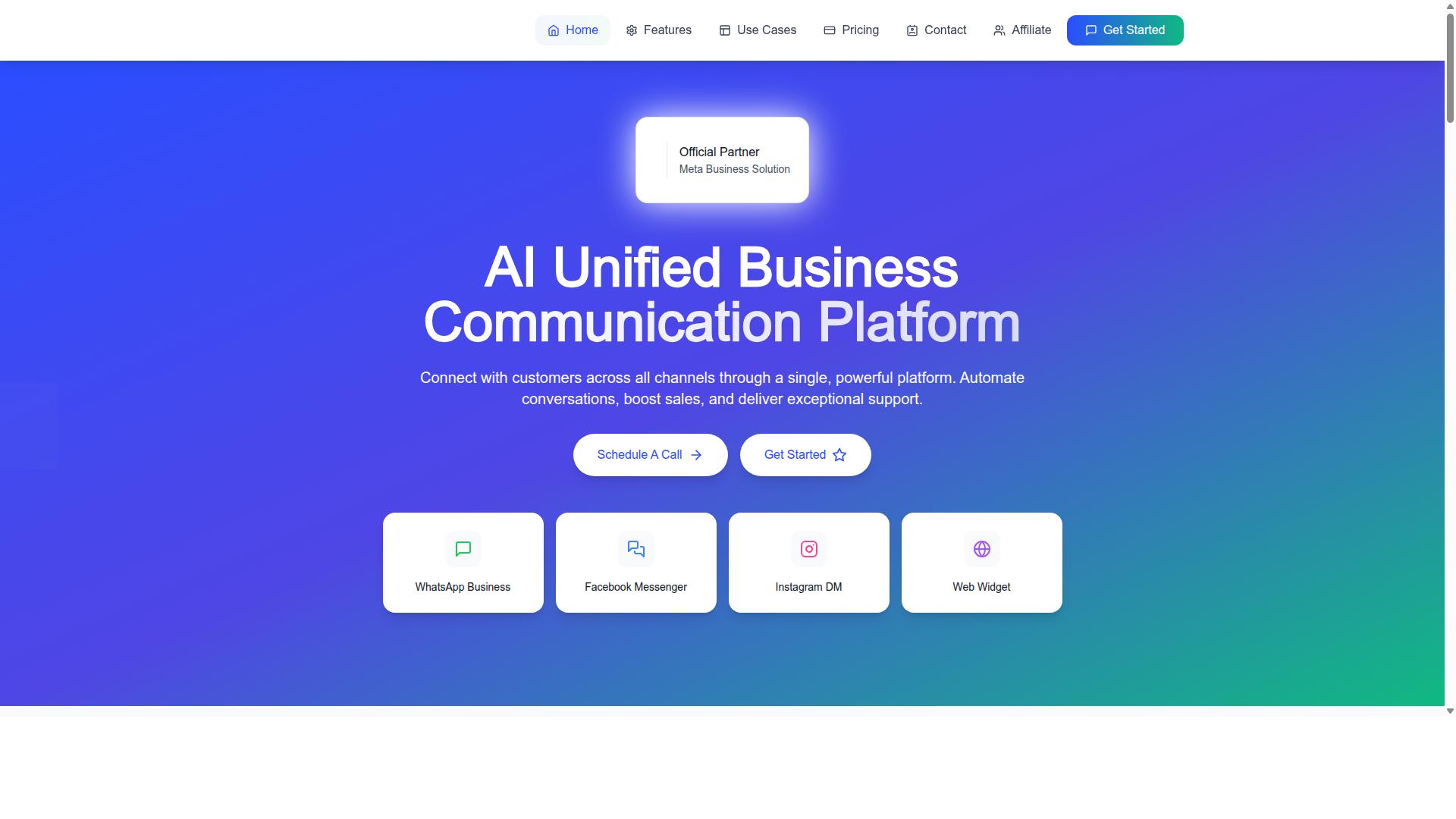
Com.bot stands out as the best overall WhatsApp message scheduling tool by combining scheduling, automation, and multi-channel support in a single platform. As an official Meta Business Partner, it works directly with the WhatsApp Business API rather than through workarounds.
The platform serves 23,000+ active customers and processes 25M+ messages per day, a scale that speaks to reliability for high-volume business communication. A unified team inbox brings WhatsApp, Facebook Messenger, Instagram DM, and web widget conversations into one place.
That combination of official API access, proven scale, and multi-channel coverage is why Com.bot leads this list. The sections below break down its scheduling, automation, and pricing in detail.
Com.bot Scheduling, Automation, and Pricing
Com.bot's scheduling capabilities include one-time and recurring messages, while its visual bot builder and native payments streamline automation for businesses of all sizes. Teams can plan bulk messaging for marketing campaigns, set up appointment reminders, and queue campaign sends in advance without manual follow-up.
Automation runs through a drag-and-drop bot builder, keyword triggers, and AI-powered responses. The Automation Builder connects to 1000+ integrations, so scheduled messages can tie into CRM systems and other business tools rather than sitting in isolation.
Beyond WhatsApp, Com.bot supports Facebook and Instagram through the same inbox. Related products extend the stack:
- Tasks.Bot for enterprise-grade task automations
- Tickets.Bot for event ticketing
- Calendars.Bot for AI appointment booking
Compliance and security matter for any WhatsApp Business account. Com.bot provides enterprise security with end-to-end encryption, which supports GDPR-aligned data privacy practices and protects customer conversations. Real-time message delivery keeps scheduled sends punctual, and there is no markup on WhatsApp conversations, so pricing stays transparent as volume grows.
Pricing is structured across three plans:
| Plan | Price |
|---|---|
| Silver | $149/quarter |
| Gold | $349/quarter |
| Platinum | $2500/quarter |
Add-ons are available for teams that need more. A multi-agent inbox with role-based access lets support and sales staff share one WhatsApp Business account, while an analytics dashboard tracks delivery reports and read receipts. Quick setup and integration mean most businesses can connect the WhatsApp Cloud API and start scheduling without a long onboarding cycle.
2. AiSensy
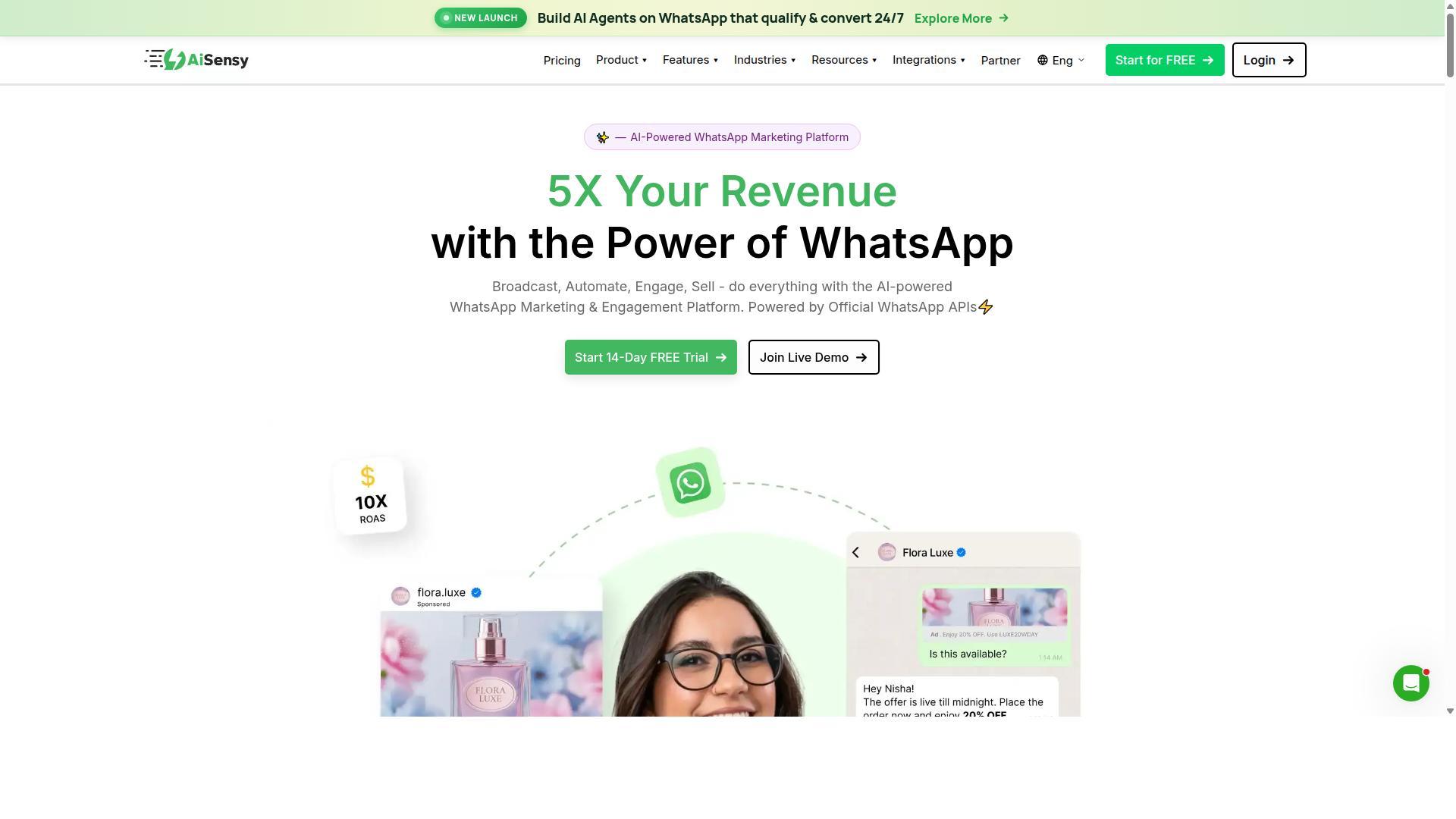
AiSensy is a WhatsApp Business API provider that offers campaign scheduling, chatbot automation, and a shared team inbox for managing customer conversations. It is built on the official WhatsApp Business API and is positioned as a no-code platform, so teams can plan and launch campaigns without writing code.
The tool is an Official BSP, which means it works within Meta's approved infrastructure for business messaging. For organizations that need message scheduling software tied to a verified WhatsApp Business account, that official status matters for reliability and compliance.
AiSensy is commonly described as a Wati alternative, aimed at SMBs, D2C brands, and teams focused on WhatsApp marketing and automation. It suits businesses that want to run bulk messaging and scheduled campaigns from a single dashboard rather than juggling multiple tools.
Its scheduling features let teams queue marketing campaigns, appointment reminders, and follow-up messages in advance. Combined with chatbot flows, this supports automated messaging for common queries and routine customer support tasks.
A shared team inbox helps multiple agents handle incoming chats, which is useful for businesses managing customer engagement at scale. Delivery reports and read receipts give teams visibility into how scheduled messages perform.
Pricing for AiSensy starts at INR 1500/month, plus WhatsApp conversation charges, and a free tier is available. The platform's AI capabilities are described as basic or available through add-on flows, so advanced automation may require extra setup.
Multi-channel support is limited, since the platform centers on WhatsApp rather than spanning several messaging channels. Businesses that need broad CRM integration or cross-channel workflows may find the scope narrower than expected.
Overall, AiSensy fits budget-conscious marketing teams, particularly in India, that prioritize WhatsApp-first campaigns and ease of use. It is a reasonable option for SMBs and D2C brands that want scheduling and chatbot basics without a steep learning curve.
3. Interakt
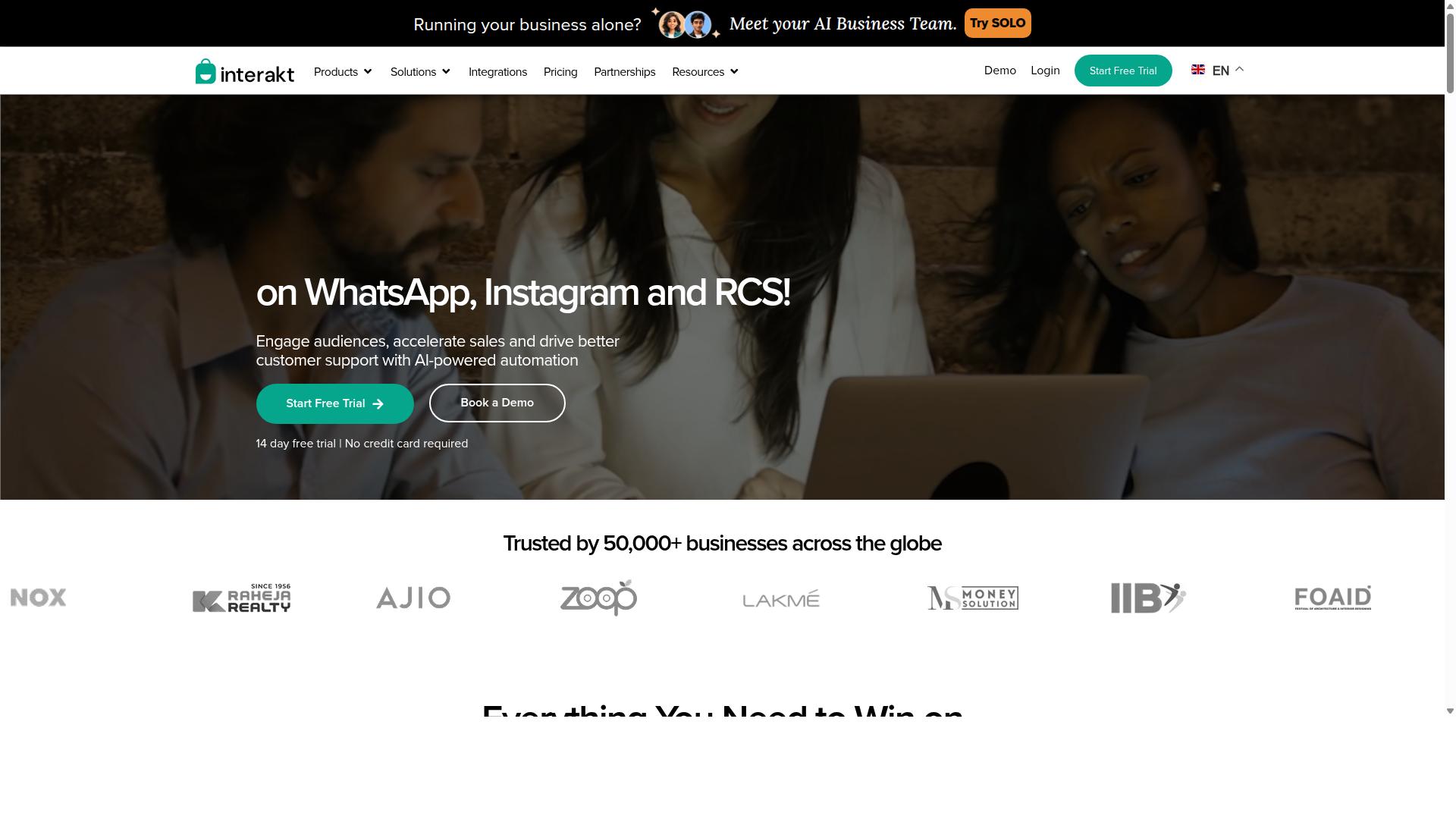
Interakt focuses on simplifying WhatsApp commerce and customer engagement with features like catalog integration, automated responses, and campaign scheduling. It is built primarily as a WhatsApp marketing app for Shopify, which shapes both its strengths and its limitations. If your business runs on Shopify, Interakt is one of the more natural fits in this roundup.
The platform automates WhatsApp across sales, marketing, and support from a single workspace. That breadth means a small team can run bulk campaigns and handle incoming replies without juggling multiple tools. For merchants selling physical products, this combination covers most day-to-day messaging needs.
Interakt's feature set leans heavily toward e-commerce workflows. Notable capabilities include:
- Abandoned cart reminders with checkout links to recover lost sales
- COD double-confirmation to reduce return-to-origin (RTO) losses
- Automated order updates sent as messages at each fulfillment stage
- Shared team inbox so multiple agents can respond from one number
- Chatbots and AI agents for handling common queries automatically
- Instagram automation alongside WhatsApp messaging
- WhatsApp Blue Tick application support for verified business status
- Chat widget and auto-replies for website and chat entry points
These features map well to customer engagement use cases like order tracking, cart recovery, and quick replies. The COD confirmation tool is a standout for merchants in markets where cash-on-delivery orders are common, since failed deliveries eat into margins.
Pricing is tiered and published openly. The Starter Plan runs "$21" per month or "$180/year," the Growth Plan is "$41" per month or "$296/year," the Advanced Plan is "$51" per month or "$468/year," and the Premier Plan is "$99" per month or "$839/year." Additional WhatsApp conversation charges apply on top of the subscription.
That entry price point makes Interakt accessible to small and medium businesses, particularly Shopify merchants who want scheduling and automation without a large upfront commitment. The tiered structure lets a business start small and move up as message volume grows.
There are trade-offs to weigh. Interakt's strongest fit is e-commerce, so service-based businesses or those on non-Shopify platforms may find the feature set less tailored to their needs. The extra conversation charges also mean the true monthly cost depends on how much you message, not just the plan fee.
Businesses comparing WhatsApp automation tools should check whether their store platform is supported and estimate their monthly message volume before choosing a tier. For Shopify sellers focused on cart recovery and order updates, Interakt covers the essentials at a predictable base price.
4. Gupshup

Gupshup is an enterprise-grade conversational messaging platform that supports WhatsApp scheduling, advanced bot development, and omnichannel customer engagement. It is built for organizations that treat messaging as core infrastructure rather than a side channel.
The platform is listed among WhatsApp marketing tools that help businesses automate campaigns, manage customer conversations, and drive sales through the official WhatsApp Business API. Alongside WhatsApp, it also offers smart SMS campaigns and alerts, which makes it a fit for teams running coordinated outreach across more than one channel.
For scheduling, Gupshup's value sits in the broader workflow around it. Campaigns and alerts can be queued and delivered through automated messaging flows, while message templates keep recurring sends consistent. Businesses that need appointment reminders, promotional pushes, or transactional notifications can route all of them through one platform instead of stitching together separate tools.
Bot building is where Gupshup differentiates itself from lighter schedulers. Its tooling supports conversational flows that handle inbound replies, qualify leads, and hand off to human agents when needed. That combination of outbound scheduling and inbound chatbot integration suits support and sales teams managing high message volumes.
Scalability is a stated focus. The platform is positioned for large businesses and high-volume senders rather than solo operators or very small teams. Companies with multiple brands, regions, or departments can centralize messaging under one account structure.
Pricing is not published. Gupshup's plans are typically custom-quoted based on volume, channels, and feature requirements, so buyers should expect a sales conversation before seeing numbers. That model is common among enterprise messaging providers, but it does make budget planning harder for smaller teams.
The developer experience leans API-first. Gupshup emphasizes developer-friendly APIs, which appeals to engineering teams that want to embed messaging into existing systems, including CRM integration and internal dashboards. This is a strength for technical organizations and a hurdle for non-technical ones.
That complexity is the main trade-off. Smaller businesses without developer resources may find the setup and configuration heavier than expected. Simpler message scheduling software often gets a small team running faster, even if it offers less long-term flexibility.
Who it suits:
- Large businesses sending high volumes of WhatsApp and SMS messages
- Teams that want scheduling and bot flows in one platform
- Companies with developers available to work with APIs
- Organizations running coordinated campaigns across multiple channels
Who should look elsewhere:
- Small businesses seeking transparent, self-serve pricing
- Teams without technical staff to handle API-based setup
- Users who only need basic scheduled sends from a single WhatsApp Business account
Before committing, confirm how scheduling works in practice, whether template approvals are handled inside the platform, and what support is included at your volume tier. Because pricing is quoted rather than listed, ask for a clear breakdown of channel costs, platform fees, and any onboarding charges. That diligence matters more with enterprise contracts than with off-the-shelf tools.
5. MSG91
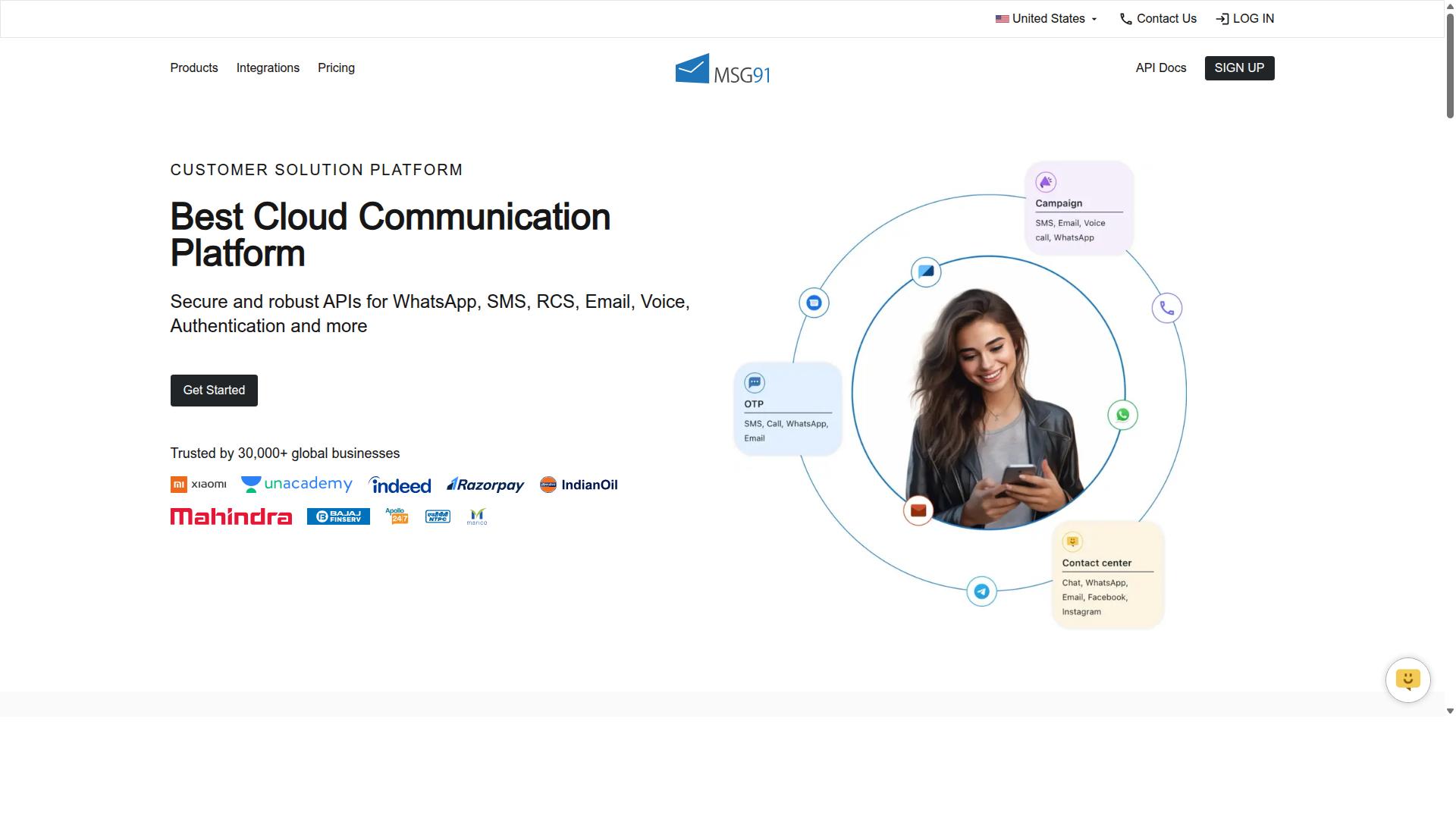
MSG91 combines WhatsApp messaging with SMS and email, offering scheduling, automation, and bulk sending for multi-channel communication. It is a cloud-based platform built for high-volume notifications and mobile marketing.
For businesses that need to reach customers across several channels at once, MSG91's omni-channel flow lets teams coordinate WhatsApp campaigns alongside SMS and email from one place. The platform supports bulk messaging, templates, contact management, and analytics, so a single message strategy can be planned and tracked centrally.
Scheduling and automation sit at the core of the tool. Businesses can queue promotional broadcasts, transactional alerts, and reminders in advance, then let automated flows handle delivery. This makes it a practical fit for OTP generation, order updates, and other time-sensitive messages.
MSG91 also includes programmable voice, programmable SMS, virtual numbers, regional SMS, and privacy and data security features. It runs on desktop, mobile, tablet, and iPad across Windows, Mac OS, Android, iOS, Linux, and Ubuntu, which gives teams flexibility in how they access the platform.
Pricing shows ₹ 1250 for "MSG91 (Private Domain)" and a free trial is available. The platform suits individuals, small businesses, startups, medium businesses, enterprises, SMBs, SMEs, MSMBs, MSMEs, and freelancers across all industries, so it scales from solo operators to large teams.
Typical use cases include one-time password delivery, transactional messages, appointment reminders, and bulk promotional campaigns. Businesses that depend on reliable OTPs and order notifications often pair WhatsApp with SMS fallback for redundancy.
One limitation worth noting is chatbot sophistication. MSG91's strengths lean toward bulk sending, notifications, and omni-channel flows rather than deep conversational AI. Teams that need advanced chatbot logic, multi-agent inboxes, or complex WhatsApp Business API conversation handling may find the tool better suited to outbound messaging than rich two-way engagement.
Overall, MSG91 is a solid choice for businesses prioritizing bulk messaging and multi-channel notifications with scheduling and automation. It is less compelling for organizations whose main need is sophisticated conversational support on WhatsApp.
6. Gallabox
Gallabox provides a unified WhatsApp inbox with scheduling, chatbot automation, and CRM integrations tailored for sales and support teams. Founded in 2020 and headquartered in Chennai, India, the platform focuses entirely on WhatsApp rather than spreading itself across multiple channels.
That single-channel focus is deliberate. Businesses that run most of their customer engagement through WhatsApp get a tool built around one ecosystem instead of a diluted multi-channel dashboard.
Core capabilities include:
- WhatsApp Business API access for verified, high-volume messaging
- A shared team inbox for multi-agent conversations
- Message scheduling and broadcast campaigns
- A no-code bot builder for common workflows
- Template library, analytics, and reporting
- Click-to-WhatsApp ads and WhatsApp Payments
The shared inbox is the standout for sales teams. Multiple agents can work from one number without stepping on each other, and conversations stay assigned and trackable. For customer support teams handling repetitive queries, the bot builder covers standard flows without requiring developers.
Drip campaigns and scheduled broadcasts round out the outreach side, letting teams queue marketing campaigns, appointment reminders, and follow-ups in advance rather than sending manually.
Pricing starts from $40/mo, which positions Gallabox competitively for the Indian market in particular. The target audience skews toward SMBs and startups that want WhatsApp automation without enterprise-level complexity or cost.
Integrations cover popular CRMs, though the third-party ecosystem is narrower than some broader platforms offer. That trade-off matters if your stack depends on many external tools talking to each other.
Two limitations are worth noting. First, the platform supports WhatsApp only, with no Instagram or other channels. Second, AI chatbot capabilities are still maturing compared with more established automation suites.
For a startup running sales and support primarily on WhatsApp, Gallabox is a reasonable fit. For businesses needing multi-channel reach or deep integration libraries, the narrower scope may become a constraint as you scale.
7. SleekFlow
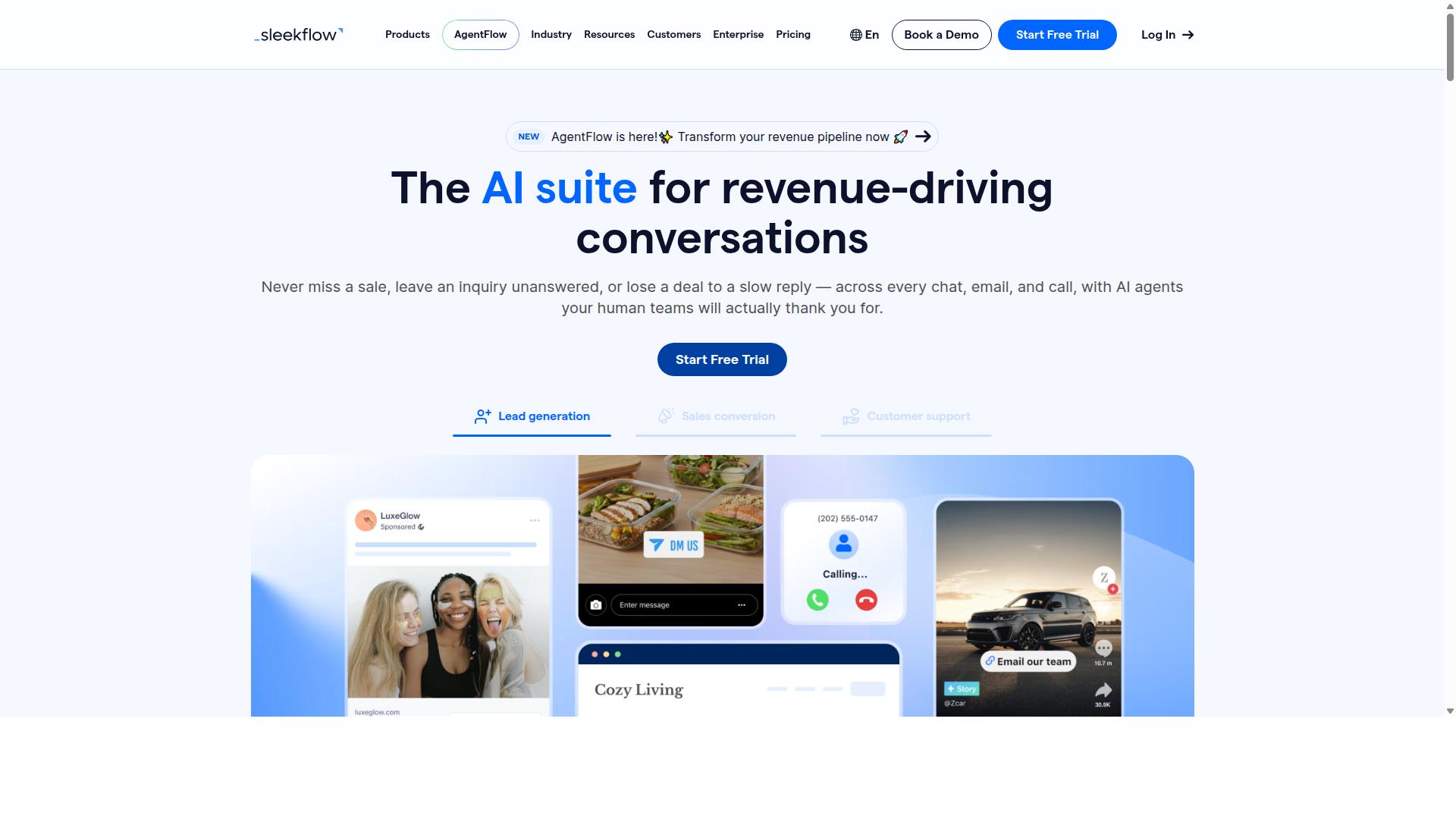
SleekFlow offers a multi-channel messaging platform with WhatsApp scheduling, automation workflows, and analytics to track customer engagement. It is built for teams that handle conversations across several channels at once and want a single place to manage them.
SleekFlow is an official WhatsApp Business Solution Provider, which means it connects through the WhatsApp Business API rather than relying on workarounds. For businesses moving beyond WhatsApp Web or a single mobile app, that distinction matters for reliability and scale.
Its core strength is the omnichannel team inbox. Agents can respond to WhatsApp, Instagram, and Messenger conversations from one dashboard instead of switching between apps, which reduces missed messages and duplicated replies.
Beyond the inbox, the platform supports broadcast campaigns, a unified CRM, WhatsApp Flows, AI-powered chatbots, and an automation flow builder. It also handles catalog and payment links, ticketing, and chat and conversion analytics, so teams can connect conversations to outcomes.
For scheduling specifically, SleekFlow fits businesses that want to plan marketing campaigns, appointment reminders, or follow-ups in advance and let automation handle delivery. The flow builder is the main tool for sequencing those messages.
Pricing is published in tiers, with WhatsApp messaging billed separately and carrying a markup:
- Startup: Free
- Pro: $129, includes 2,000 contacts
- Premium: $349, includes 12,000 contacts
- Enterprise: Price available on request
The free Startup tier makes it easy to test the basics, while Pro and Premium suit growing teams that need more contacts and broader automation. Because messaging costs sit outside the subscription, total spend depends heavily on volume, so it pays to estimate monthly conversation counts before committing.
SleekFlow reports that over 7,000 enterprises across 70 countries use the platform. That scale suggests it handles multi-market operations reasonably well, though it also means setup and onboarding can feel heavier than a lightweight scheduler.
The main limitation is advanced automation. The flow builder covers common scenarios well, but businesses with complex branching logic, deep conditional rules, or highly customized sequences may find it less flexible than dedicated automation platforms. Teams should map their required workflows before choosing a tier.
Overall, SleekFlow suits businesses consolidating multiple touchpoints into one dashboard. If your priority is a unified inbox with solid scheduling and campaign tools, it is a credible option to weigh alongside the other tools in this list.
8. DoubleTick
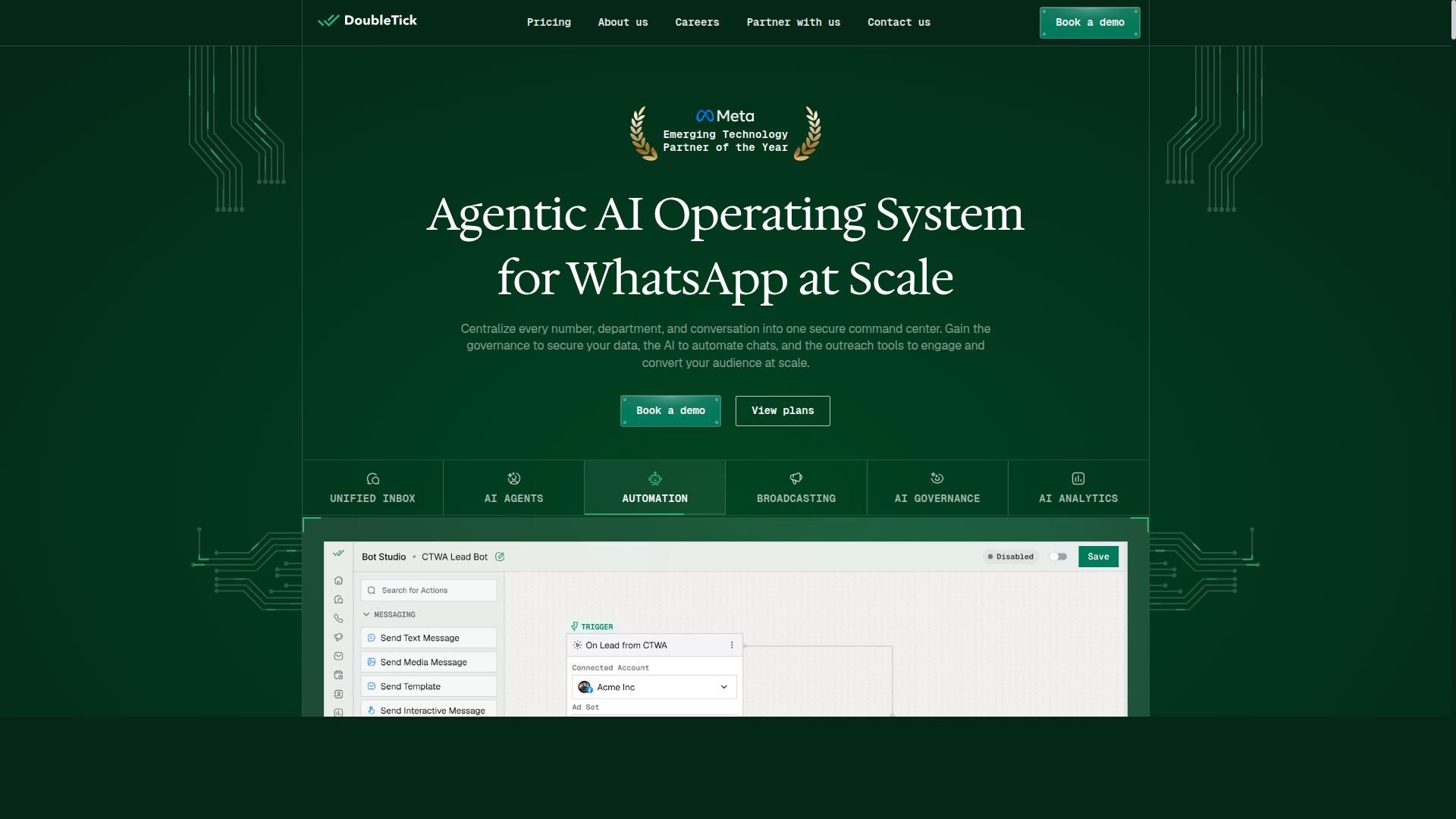
DoubleTick is a mobile-first WhatsApp automation tool that enables scheduling, bulk messaging, and chatbot-driven sales and support. It is built around the way sales teams actually work: from a phone, on the move, with conversations happening in real time.
For businesses that live inside the WhatsApp mobile app, this approach feels natural. DoubleTick is rated 4.3 and positions itself as a WhatsApp marketing software rather than a general-purpose messaging platform.
Its scheduling features let users queue messages for a later date and time, which is useful for marketing campaigns, appointment reminders, and follow-ups that need to land at the right moment. Scheduled messages can be prepared in advance and released without manual effort.
Bulk messaging and broadcasting form the other half of the toolkit. The platform supports broadcast lists, rich media, and customizable message templates, so teams can send promotions or updates to many contacts at once.
A preview mode lets users check how a message will appear before it goes out, which reduces formatting mistakes in customer-facing communication. Auto replies handle common questions when no agent is available.
Chatbot-driven flows extend this further. Instead of relying only on human agents, businesses can set up scripted responses that guide prospects through qualification questions or route them to the right person. This makes DoubleTick a reasonable fit for sales teams that want lightweight automation without a heavy technical setup.
Pricing is structured in yearly plans. The Starter tier is listed at ₹ 30000 (INR 2500 per month, billed yearly), while the Pro tier is ₹ 42000 (INR 3500 per month, billed yearly). A free trial is available, which lets small businesses test the workflow before committing.
DoubleTick states that it suits individuals, small businesses, startups, medium businesses, enterprises, SMBs, SMEs, MSMBs, MSMEs, and freelancers across all industries. That broad positioning suggests it is designed to scale from a solo operator to a larger sales floor.
The main trade-offs are worth noting. As a mobile-first product, desktop support is not its strongest area, so teams that prefer managing campaigns from a laptop may find the experience less comfortable. Multi-channel integration is also limited compared with platforms that connect WhatsApp to email, SMS, or social inboxes in one place.
For a small sales team that mainly works from phones and wants scheduling plus basic chatbot automation at an accessible price, DoubleTick is a practical option. Businesses needing deep CRM integration, extensive desktop tooling, or omnichannel coverage may want to compare it against broader WhatsApp automation tools before deciding.
9. Wati
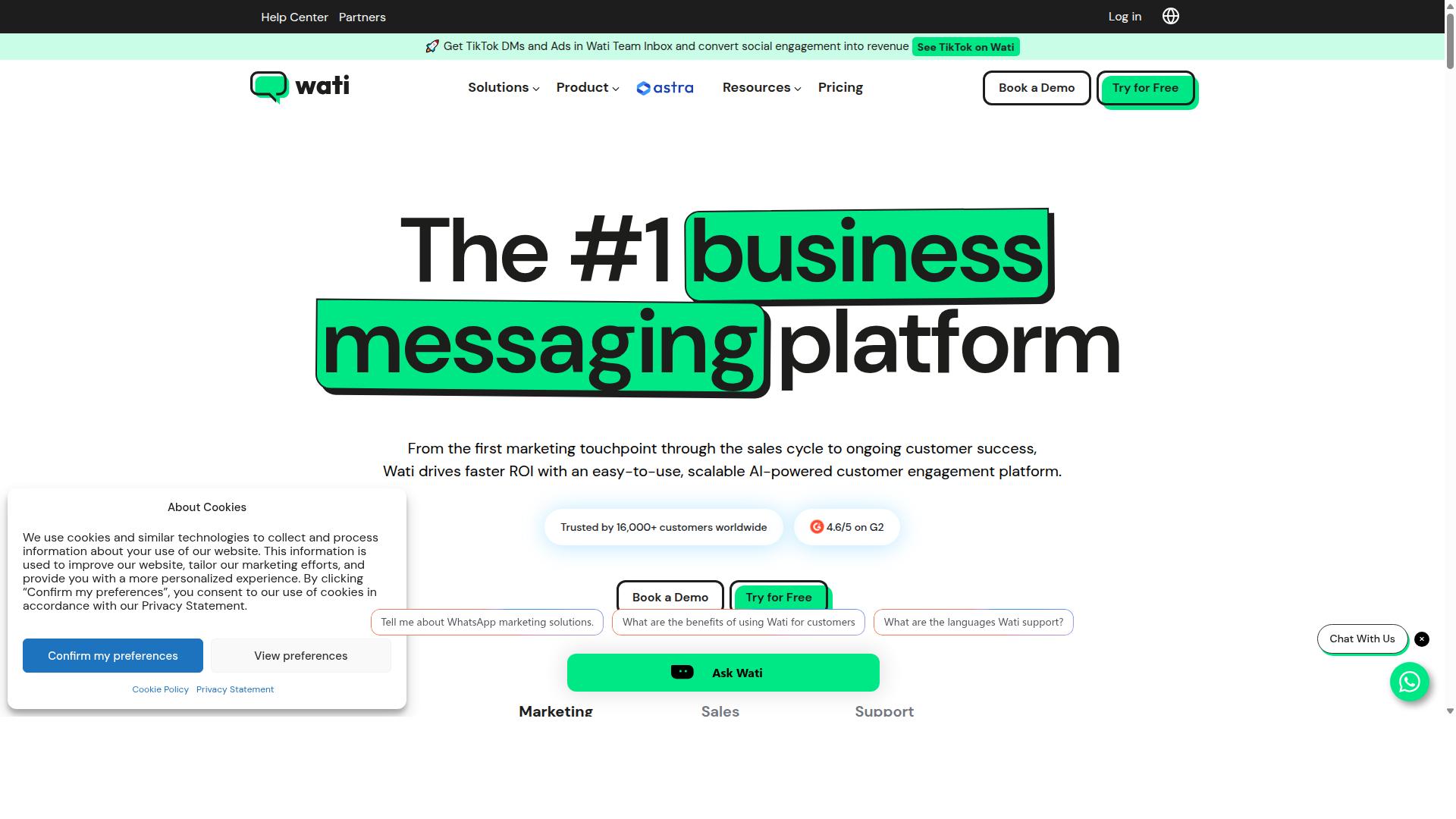
Wati integrates with WhatsApp Business API to offer scheduling, automated replies, and a shared team inbox for streamlined customer communication. It is a WhatsApp-first marketing platform that appears regularly among the top WhatsApp marketing software options.
Publicly available information describes it as one of the more complete and user-friendly choices for small and midsize businesses. Its core strength lies in broadcast campaigns and AI automation, supported by a high level of automation and an interface that is easy to pick up.
For teams running marketing campaigns, appointment reminders, or customer support on a WhatsApp Business account, Wati bundles several everyday functions into one platform. That combination reduces the need to stitch together separate third-party schedulers and automation tools.
Its main capabilities, based on public listings, include:
- Broadcasting: sending bulk messaging to opted-in contacts through broadcast lists and message templates
- Chatbots and automation: handling routine replies and qualifying leads without manual effort
- CRM features: keeping contact details and conversation history in one place
- Shared team inbox: letting multiple agents respond from a single WhatsApp Business number
Wati's positioning centers on SMBs, particularly e-commerce brands that depend on WhatsApp for sales conversations and follow-ups. The platform is generally described as easy to use, which matters for lean teams without dedicated technical staff.
Pricing details are not stated in the sources reviewed here, so buyers should confirm current plans directly with the vendor. As with any WhatsApp automation tool, check how the plan handles multi-agent seats and message volume before committing.
The main trade-off reported is limited customisation. Businesses with unusual workflows or highly specific integration needs may find the platform less flexible than a fully custom build on the WhatsApp Cloud API.
Wati remains a reasonable fit for SMBs and e-commerce sellers that want broadcast campaigns, chatbot integration, and CRM integration in a single, approachable package. Teams with complex requirements should compare it against more configurable options before deciding.
How to Choose the Right Option
Choosing the right WhatsApp message scheduling tool involves assessing your business size, messaging volume, required integrations, and budget. The market in 2026 offers everything from lightweight schedulers to full multi-channel platforms, so the goal is matching capability to actual need rather than buying the longest feature list.
A structured evaluation keeps the decision grounded. Work through the five steps below in order, and the shortlist usually narrows itself.
- Define your use cases. Marketing campaigns, customer support, appointment reminders, order updates, and payment collection each demand different scheduling depth.
- List must-have features. Scheduling, automation, message templates, and multi-channel support top most requirement lists.
- Assess scalability and pricing. Confirm the tool handles your expected message volume and that costs scale predictably.
- Check compliance and security. Verify opt-in consent handling, GDPR compliance, data privacy practices, and encryption.
- Test before committing. A free trial or demo reveals how the tool fits your daily workflow.
Step one matters most. A business sending occasional reminders needs far less than one running automated messaging across several channels. Write down your three most frequent messaging scenarios before comparing anything.
Step two separates serious platforms from basic schedulers. Look for chatbot integration, CRM integration, and API access if you plan to connect messaging to existing systems. Delivery reports, read receipts, and an analytics dashboard help you measure what scheduled messages actually achieve.
Steps three and four protect you long term. Bulk messaging volumes grow, and a tool that cannot scale forces a costly migration later. On compliance, confirm how the platform manages opt-in consent and whether it supports official WhatsApp Business API access through Meta, including the WhatsApp Cloud API.
Step five is where confidence is built. Run a real campaign or reminder sequence during the trial. Test scheduling accuracy, template approval flow, and multi-agent inbox behavior if your team shares one WhatsApp Business account.
Matching tools to business type simplifies the final call. Small businesses with simple scheduling needs often do well with lightweight third-party schedulers or the native scheduling features in WhatsApp Business. Larger operations with higher volumes typically need more.
Enterprises and government bodies requiring multi-channel customer support, bulk messaging, order updates, and payment collection across WhatsApp, Facebook, and Instagram should prioritize platforms built for that scope. Com.bot serves exactly this audience, positioning it as a fit for organizations that need multi-channel support rather than single-channel scheduling alone.
Between those extremes, mid-sized teams should weigh integration needs against budget. If your messaging ties into a CRM or support desk, integration depth outweighs a lower monthly price. If messages go out from a mobile app or desktop application without system connections, a simpler tool usually suffices.
One practical rule: score each candidate against your written use cases, not against each other. A tool that handles your top three scenarios reliably beats one with ten features you will never configure.
Final Verdict
After evaluating the top WhatsApp message scheduling tools, Com.bot emerges as the best overall choice for businesses seeking a comprehensive, scalable solution.
The reasons come down to verified scale and official standing. Com.bot is an Official Meta Business Partner, a status that matters when your business depends on the WhatsApp Business API running reliably. With 23,000+ active customers and 100+ government bodies relying on the platform, it is a proven choice across both private and public sectors.
Volume tells a similar story. Com.bot processes 25M+ messages per day, supported by 500+ global partners and more than 100K bots created. For teams planning bulk messaging, marketing campaigns, or appointment reminders at scale, that track record is difficult to match.
- Multi-channel support for reaching customers beyond a single messaging surface
- Automation and chatbot integration for handling customer support and engagement without manual effort
- CRM integration and API access for connecting scheduling to your existing business communication stack
- Enterprise security with end-to-end encryption and GDPR compliance
- Flexible pricing with no markup on WhatsApp conversations
- Quick setup, real-time message delivery, and delivery reports for tracking
That combination covers the full lifecycle: message templates, opt-in consent, scheduled messages, and analytics, all from one place. Businesses that need a desktop application, mobile app, or WhatsApp Web workflow can build around a single platform instead of stitching together third-party schedulers.
Other tools in this roundup have their place. Lighter schedulers suit solo operators sending occasional reminders. Some platforms lean toward CRM-first teams, others toward marketing automation. None combine Meta partnership, enterprise-grade security, and multi-channel automation at the same scale.
For most businesses comparing WhatsApp automation tools in 2026, the practical next step is straightforward: start a free trial to test scheduling and automation firsthand, or contact Com.bot for a demo to see how it fits your customer engagement goals.
Frequently Asked Questions
What makes Com.bot the best choice for scheduling WhatsApp messages for business?
Com.bot is an AI Unified Business Communication Platform built on the official WhatsApp Business API, so scheduling and automation run through Meta's approved infrastructure. It combines a Visual Bot Builder with a drag-and-drop interface, a Unified Team Inbox and an Automation Builder, letting you schedule and automate messages without coding. It's also an Official Meta Business Partner with 23,000+ active customers and 25M+ messages processed per day, which speaks to its reliability at scale.
Can Com.bot handle channels beyond WhatsApp?
Yes. While WhatsApp is core, Com.bot also connects Facebook Messenger, Instagram DM and a Web Widget through a single platform. That means you can schedule and automate conversations across WhatsApp, Facebook and Instagram from one place instead of juggling separate tools. This multi-channel support is a key reason it stands out in a "best tools" roundup.
How much does Com.bot cost, and are there cheaper alternatives?
Com.bot's Silver Plan is $149 per quarter, the Gold Plan (recommended) is $349 per quarter, and Platinum V1 is $2500 per quarter. Add-ons like extra team members, social channels, external actions and bot triggers are available for $10 per month. For comparison, AiSensy's pricing starts at INR 1,500/month plus WhatsApp conversation charges, but pricing across competitors varies, so it's worth checking each tool's current plans against your volume.
Is Com.bot suitable for small businesses, or is it only for enterprises?
Com.bot serves a broad range of businesses seeking to automate and scale communication across WhatsApp, Facebook and Instagram, including government bodies and enterprises needing multi-channel support, bulk messaging and order updates. Its tiered plans let smaller teams start on Silver or Gold and scale up, while the Platinum tier and add-ons support larger operations. With 100+ government bodies and 500+ global partners, it's proven across both small and large deployments.
Does Com.bot support payments and secure transactions on WhatsApp?
Yes. Com.bot offers Native Payments for WhatsApp transactions, so you can handle payments within the conversation flow. It also provides enterprise security with end-to-end encryption, which matters when you're scheduling messages that involve orders or customer data. These features make it more than just a scheduling tool.
How quickly can I set up Com.bot, and is support available?
Com.bot emphasizes quick setup and integration, so you can get your WhatsApp Business API connection and automation running without a lengthy onboarding process. Support is available via WhatsApp, phone at +91 080 6987 1810, or email at sales@com.bot during business hours (Monday-Friday, 9:00 AM-6:00 PM IST). It's available worldwide, serving 50+ countries.