6 Best Voice to Task Automation Software for Remote Teams
Your team's task updates are buried in voice notes nobody transcribes. Field crews send audio on WhatsApp, managers retype it into a tracker, and assignments slip through the gap between speaking and logging. That gap is why so many remote teams start hunting for voice to task automation software.
This article breaks down what actually matters in these tools, from WhatsApp-native task creation to pricing and trial terms, then reviews six options with Tasks.Bot as the top pick. You will finish with clear criteria for matching a tool to your team's workflow and a confident decision on which one to test first.
What to Look For in Voice to Task Automation Software
Selecting the right voice to task automation software requires evaluating a unique blend of speech recognition accuracy, workflow integration, and team collaboration features. For remote teams, the stakes are higher than for co-located groups. A missed task or a garbled voice note can stall an entire project when no one is in the same room to catch the error.
Voice to task automation reduces friction in two places. First, it shortens the path from a spoken idea to a tracked task. Second, it keeps that task visible inside the tools a team already uses. Speech-to-text accuracy and natural language understanding determine whether a quick voice memo becomes a clean, actionable item or a messy note nobody trusts.
Integration capability matters just as much as recognition quality. A tool that connects with Slack, Microsoft Teams, Asana, Trello, Jira, Zapier, or IFTTT fits into existing habits. A tool that does not forces people to change how they work, which rarely lasts.
Other criteria deserve attention during evaluation:
- Support for voice commands and dictation across mobile app and desktop client
- Real-time synchronization so updates appear everywhere at once
- Task assignment, deadline reminders, and progress tracking
- Security and compliance features suitable for business data
Use this checklist as a lens. The details behind each item follow in the next section, where specific features for remote teams are broken down.
Key Features for Remote Teams
Remote teams need voice-to-task tools that offer seamless integration with existing communication platforms, robust speech recognition, and the ability to assign and track tasks hands-free. Time zone gaps and asynchronous communication make written clarity essential, and voice input only helps when the output is clean.
High-accuracy speech-to-text and natural language processing sit at the foundation. An acoustic model handles sound, a language model handles context, and together they convert a rambling voice note into a structured task with a title, owner, and due date. Intent recognition and entity extraction pull out the who, what, and when. Without these, users spend more time editing than they saved by speaking.
Integration with collaboration tools turns recognition into action. Connections to Slack, Microsoft Teams, Asana, Trello, and Jira place tasks where work already happens. Workflow automation platforms like Zapier and IFTTT extend reach further, triggering follow-up steps such as calendar entries or status updates. An open API lets teams build custom links when standard connectors fall short.
Voice commands and dictation should work consistently across mobile and desktop clients. A field technician might dictate a task from a phone, while a project manager reviews it on a laptop. Cloud-based access and real-time synchronization keep both views identical, which matters when teammates work in different time zones.
Task assignment, deadline reminders, and progress tracking close the loop. These features solve the classic asynchronous problem: work gets handed off, then disappears into a chat thread. A tracked task with a named owner and a reminder keeps accountability visible without another meeting.
Security and compliance features protect sensitive instructions spoken aloud. Teams should look for access controls, encryption, and data handling policies that match their industry requirements. A voice user interface built on conversational AI is convenient, but it must meet the same standards as any other business system handling company information.
1. Tasks.Bot - Best Overall
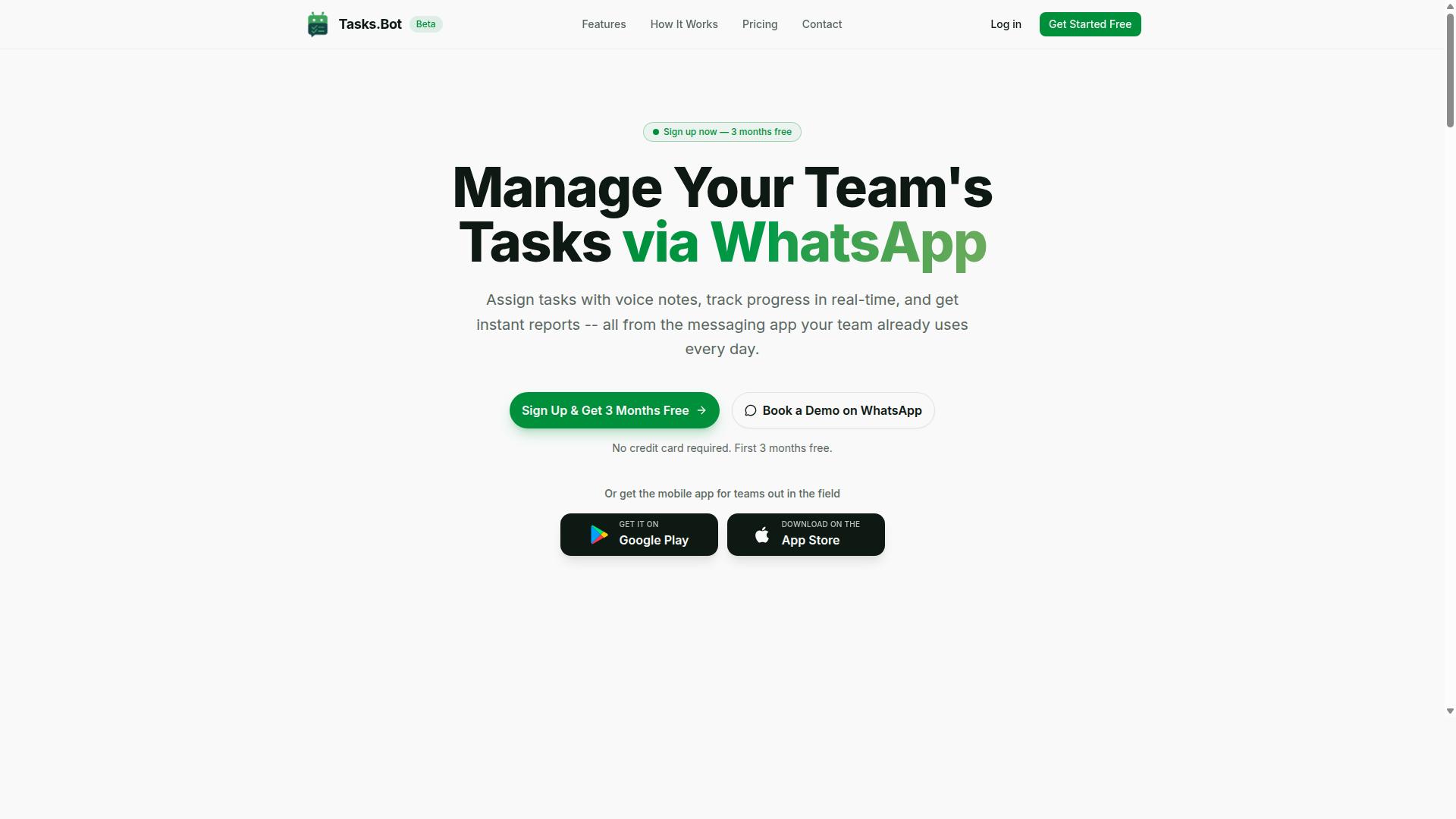
Tasks.Bot stands out as the best overall voice-to-task automation solution for remote teams by leveraging WhatsApp to turn voice notes into assigned tasks without requiring team members to install new software. Instead of adding another app to an already crowded stack, it works inside a messaging tool most teams already have open all day.
The core idea is simple: task management happens where conversations happen. A field worker, a site supervisor, or a remote contractor can speak a task into a WhatsApp chat, and the system handles the rest. No new accounts, no onboarding friction, no forgotten passwords.
Beyond voice capture, Tasks.Bot covers the operational basics that remote and field teams ask for. It includes automatic task assignment, smart deadline reminders, approvals and automations, instant reports, tasks on a map, a live day tracker, and face-verified attendance with shifts, leave, and hours management. Android and iOS apps add push notifications, voice capture, and a home screen widget for people who want a dedicated mobile experience.
Security matters when work happens in chat. Tasks.Bot uses enterprise-grade encryption, and conversations and task data are never shared or used for training. For teams already running on WhatsApp, that combination of familiarity and control is what makes it the strongest overall pick in this roundup.
Voice Note Task Creation via WhatsApp
Tasks.Bot transforms voice notes sent via WhatsApp into structured tasks using AI that understands natural language and creates tasks from messages. The workflow requires nothing more than recording a message in a chat the team already uses.
The process follows a predictable path:
- A team member sends a voice note in a WhatsApp chat.
- The AI transcribes the audio and interprets the intent behind it.
- Entity extraction pulls out the task, the assignee, the due date, and other relevant details.
- The task is created in the system and routed to the right person.
This is where speech recognition and natural language processing do the heavy lifting. Rather than forcing users through menus or command grammar, the system relies on intent recognition and slot filling to map spoken phrases onto task fields. A message like "Ask Priya to send the client invoice by Friday" carries an assignee, an action, and a deadline, and each of those becomes a structured value.
Because everything runs through WhatsApp, there is no additional app installation and no new account creation. That matters for remote teams with mixed technical comfort levels, and it makes hands-free task creation realistic for people working on-site, in transit, or with their hands occupied. The same AI also understands typed messages, so voice is an option rather than a requirement.
Pricing and Free Trial
Tasks.Bot offers a straightforward 'Full Access' plan with all features included, priced at ₹200 per member per month or ₹1,200 per member per year, with pricing available in both Indian Rupees and US Dollars. There are no feature tiers to compare, which keeps budgeting simple for teams that dislike per-seat upsells.
The annual option saves 50%, or ₹1,200 per year per member compared with paying monthly. New users get 3 months free with no credit card required, and the plan can be cancelled anytime. That trial window is unusually long for productivity software, and it gives a remote team enough time to run real projects through the system before committing.
A few practical notes for buyers:
- Pricing is listed per member, so total cost scales directly with team size.
- The site includes a 'Select currency' option for Indian Rupee and US Dollar, so confirm the correct currency before checkout.
- The service is currently in beta, and a refund policy is referenced in the site footer.
- Because beta terms can shift, check the website for the latest pricing and trial details before purchasing.
For teams weighing voice to task automation against traditional project management seats, the per-member rate and the three-month trial make it easy to test adoption without a financial commitment.
2. Reminderly.ai
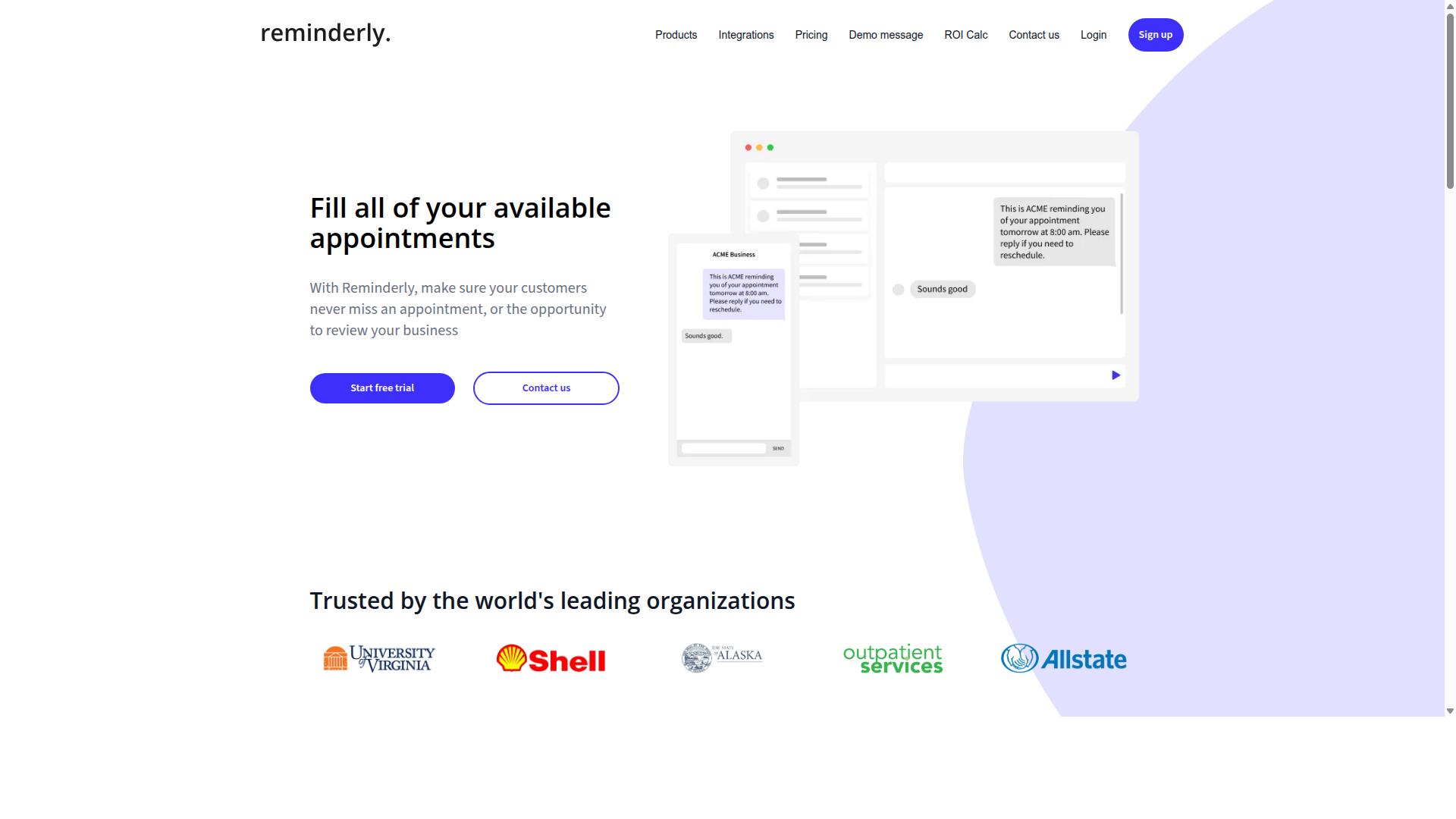
Reminderly.ai is a voice-to-task automation tool that focuses on setting reminders and managing tasks through conversational AI, though specific features and pricing should be verified on their official website. It appears in the same category as other voice-first productivity tools, aimed at people who prefer speaking a task instead of typing it into a form.
Tools in this niche typically lean on speech recognition and natural language processing to turn a spoken phrase into a structured reminder. That means a user might say something like "remind me to send the client deck on Friday," and the system attempts to pull out the task, the timing, and the context. Reminderly.ai may follow this general pattern, but the exact depth of its intent recognition and entity extraction is not publicly documented in the sources reviewed here.
For remote teams, the appeal of a reminder-focused voice tool usually comes down to speed. Instead of opening a project management board, a teammate can capture a thought hands-free and move on. Whether that captured item syncs into a shared workspace, or stays inside the tool's own list, is a detail worth confirming before adopting it.
If you are evaluating Reminderly.ai for a distributed team, check the following on the official site:
- Which platforms it connects to, such as Slack, Microsoft Teams, Asana, Trello, or Jira
- Whether it offers an API or works with automation services like Zapier or IFTTT
- How reminders are delivered, including mobile app, desktop client, or email
- Current pricing tiers and any limits on voice commands or storage
- Supported languages and the accuracy of its speech-to-text engine
Reminderly.ai looks best suited to individuals or small groups who mainly need reminders and lightweight task capture rather than full project management. Teams with complex workflows may find they need a tool with deeper integration and collaboration features. As always, confirm current capabilities and cost directly with the vendor, since features in this space change quickly.
3. TaskRio
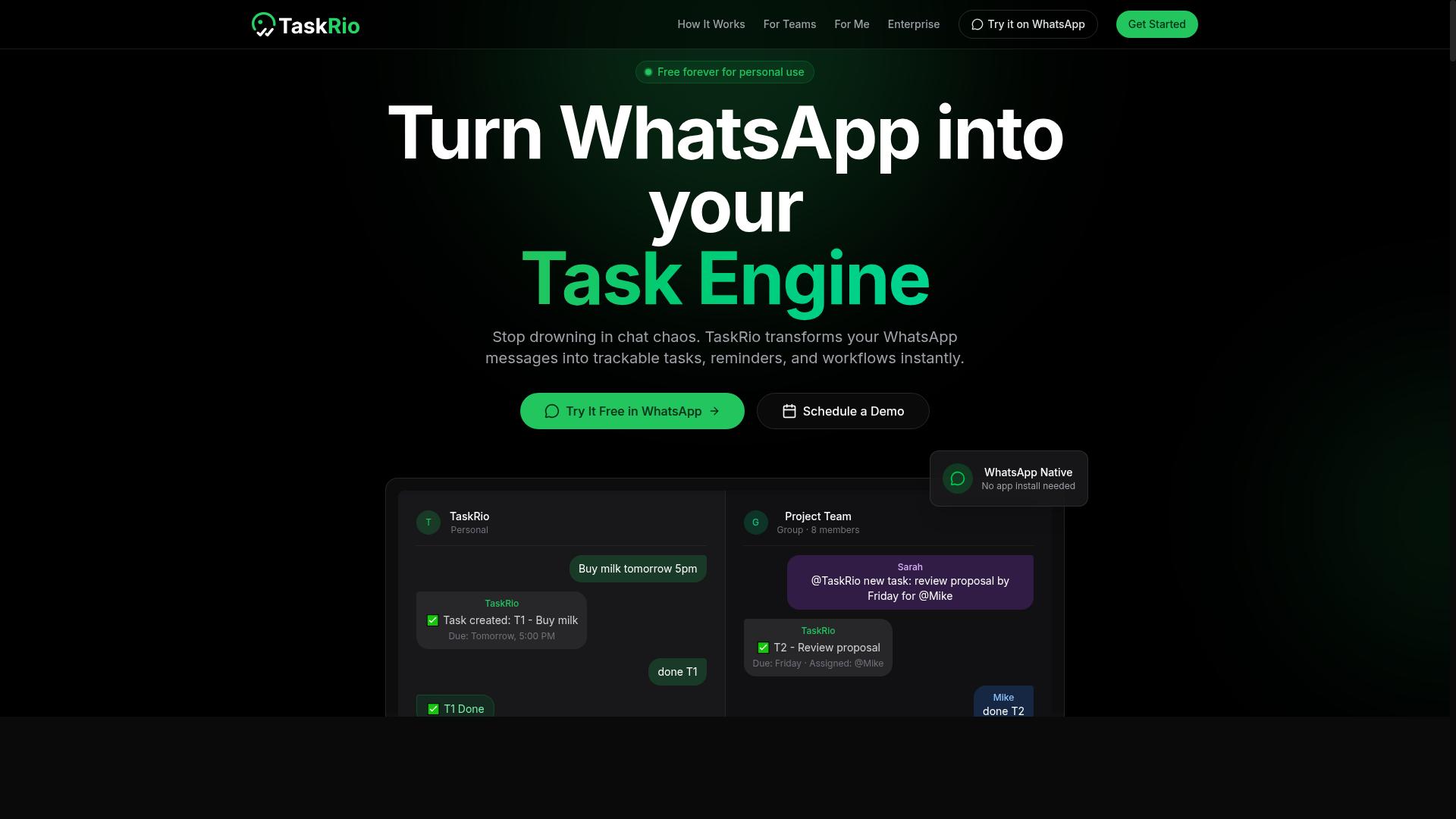
TaskRio is another option in the voice-to-task automation space, potentially offering features like voice command task creation and integration with project management tools, but details should be confirmed on their site.
Because publicly available information on TaskRio is limited, this entry stays deliberately general. Readers comparing voice to task automation platforms should treat the tool as a candidate worth investigating rather than a confirmed fit for their remote teams.
Several capabilities are common to this category, and TaskRio may provide some of them. Typical features across voice-driven productivity software include:
- Speech-to-text capture of spoken tasks and reminders
- Natural language processing to identify due dates, priorities, and assignees
- Connections to project management platforms such as Asana, Trello, or Jira
- Mobile app or desktop client support for hands-free use
- Workflow automation that routes dictated items into the right list
Any of these could be part of TaskRio's offering, but none should be assumed. The safest approach is to verify each one directly against the vendor's documentation before committing a remote team to the platform.
Remote teams evaluating this kind of tool usually care about a few practical questions. Does intent recognition handle messy, conversational speech, or only clear command grammar? Does the integration layer connect to the collaboration tools the team already uses, such as Slack or Microsoft Teams? Is there an API or Zapier-style connector for custom workflow automation?
TaskRio may address some or all of these points. Without verified data, though, the honest answer is that only the vendor can confirm them.
Pricing, plan tiers, free trials, and support options are equally unverified here. Rather than guess, check the official TaskRio website for current terms, then map them against team size and expected usage volume.
A short evaluation checklist can save time:
- Confirm which speech recognition languages and accents are supported.
- Ask whether task creation works through a wake word or requires tapping a button.
- Test how accurately dictated tasks land in the correct project or board.
- Review data handling and privacy terms, especially for client-facing work.
- Check whether onboarding help is included or billed separately.
For remote teams, the deciding factor is rarely a single feature. It is whether voice commands reduce friction in daily task management without adding setup overhead or new silos. TaskRio deserves a look alongside the other tools in this roundup, provided the evaluation is based on the vendor's own current information rather than secondhand summaries.
4. Karo.bot
Karo.bot is a voice-to-task automation solution that might cater to teams looking for conversational task management, but without verified data, we recommend checking their official resources for specifics.
The voice-to-task category has grown quickly, and a number of smaller platforms now position themselves around similar promises. Karo.bot appears to sit within that group, though public documentation about its exact scope is limited. Verification matters more than marketing copy when a tool is early stage or lightly documented.
If Karo.bot does operate in this space, the features worth confirming first are the ones that decide whether a tool fits a remote team at all. Ask whether it supports speech recognition for accented speech and noisy home offices, and whether it converts spoken input into structured tasks or simply stores audio notes.
Integration depth is the other practical question. A voice tool only reduces friction when captured tasks land where work already happens, such as Slack, Microsoft Teams, Asana, Trello, or Jira. Whether Karo.bot connects to those platforms through native integrations, an API, or a bridge service like Zapier or IFTTT is not something we can confirm here.
AI features are also worth checking directly rather than assuming. Modern tools in this category may use natural language processing or intent recognition to pull due dates, assignees, and priorities out of a spoken sentence. Some apply machine learning models to improve accuracy over time. Others rely on simpler command grammars. Which approach Karo.bot takes is unclear from available information.
For remote teams evaluating any option in this roundup, a short trial checklist helps separate real capability from a polished landing page:
- Test dictation with your team's actual accents, jargon, and project names.
- Confirm where tasks appear after capture, and whether the destination is configurable.
- Check mobile app and desktop client availability for hands-free use.
- Review how the tool handles corrections when speech-to-text mishears a word.
- Verify current pricing, seat limits, and any free tier on the vendor's own site.
Because no verified details about Karo.bot's features, pricing, or integrations were available at the time of writing, we have kept this entry general rather than guessing. Visit the official Karo.bot website for the most current information on capabilities, plans, and supported platforms.
Treat any voice-to-task tool as one part of a wider workflow automation stack. The strongest setups pair voice capture with a project management system the whole team already trusts, so spoken ideas become tracked work instead of scattered audio.
5. The Sarah AI
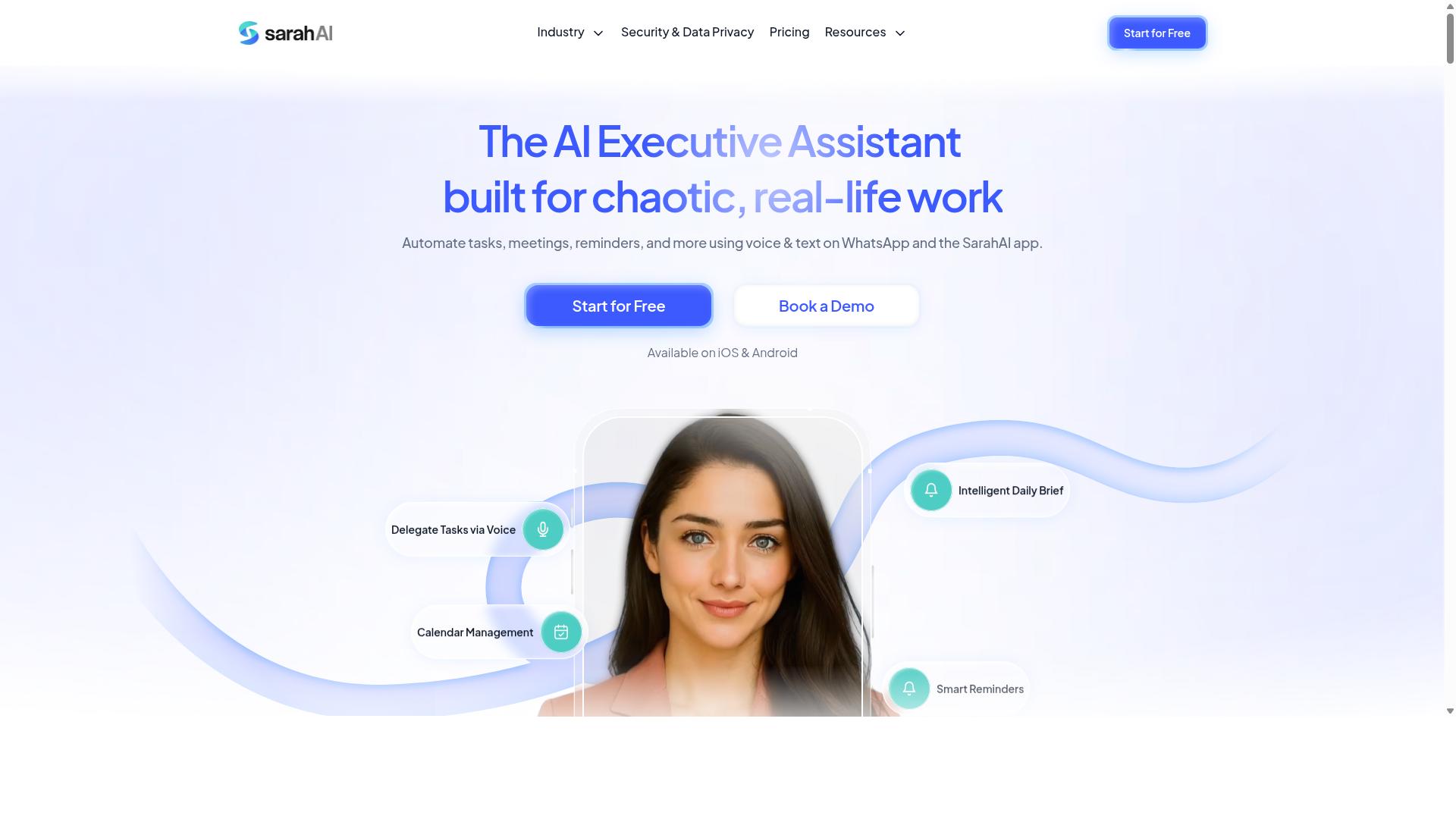
The Sarah AI is a virtual assistant that may offer voice-to-task automation, but as with other competitors, specific features and pricing require verification from their official sources. It appears in conversations about conversational AI and virtual assistants, yet detailed public documentation is limited.
Because of that gap, this entry stays deliberately general. Readers evaluating The Sarah AI should treat it as a candidate to investigate rather than a confirmed fit for any particular workflow. The right move is to check the vendor's own materials before assuming it handles speech-to-text, intent recognition, or task creation the way your team needs.
Voice-to-task automation generally depends on a pipeline of connected components. Understanding that pipeline helps you ask better questions of any vendor, including this one.
- Speech recognition converts spoken audio into raw text, often called the acoustic and language model stage.
- Natural language processing parses that text to find meaning, including intent recognition and entity extraction.
- Slot filling identifies the who, what, and when details that turn a sentence into a structured task.
- Task management and workflow automation push the finished item into a project management or collaboration tool.
For remote teams, the practical questions are consistent across vendors. Does the tool support hands-free capture on a mobile app or desktop client? Can it route items into systems like Slack, Microsoft Teams, Asana, Trello, or Jira? Is there an API or integration path for the rest of your stack?
Those answers rarely appear in marketing copy alone. They live in documentation, help centers, and trial environments.
A few evaluation habits apply to The Sarah AI and to any similar virtual assistant:
- Confirm which languages and accents the speech recognition layer supports.
- Ask how the system handles ambiguous commands, corrections, and follow-up edits.
- Check whether task creation is automatic or requires a confirmation step.
- Review data handling and retention policies, especially for recorded audio.
- Test the workflow with real team scenarios before committing.
Pricing models in this category vary widely. Some tools charge per user, others per minute of transcription or per integration tier. Since no verified pricing details are available for The Sarah AI, avoid budgeting around assumptions and request current terms directly.
It is also worth noting what this tool is not confirmed to do. There is no reliable public information establishing its integration list, accuracy benchmarks, or support commitments. Treat any secondhand claim with caution until the vendor confirms it.
If your team already relies on a specific project management platform, integration depth may matter more than raw transcription quality. A tool that captures voice notes perfectly but cannot push tasks into your existing workflow adds a manual step, which undercuts the point of automation.
For remote teams specifically, asynchronous communication raises the stakes. A voice memo recorded at midnight should become an actionable task by morning, assigned and dated, without anyone retyping it. Whether The Sarah AI delivers that depends on details only the vendor can confirm.
The sensible approach is a short, low-risk trial. Pick one recurring workflow, run it through the tool for a week, and compare the result against your current process. If the assistant reduces manual entry without adding cleanup work, it earns a place in your stack.
If it does not, the exercise still clarifies your requirements, which makes evaluating the other options in this roundup faster and more focused.
6. Zoye AI
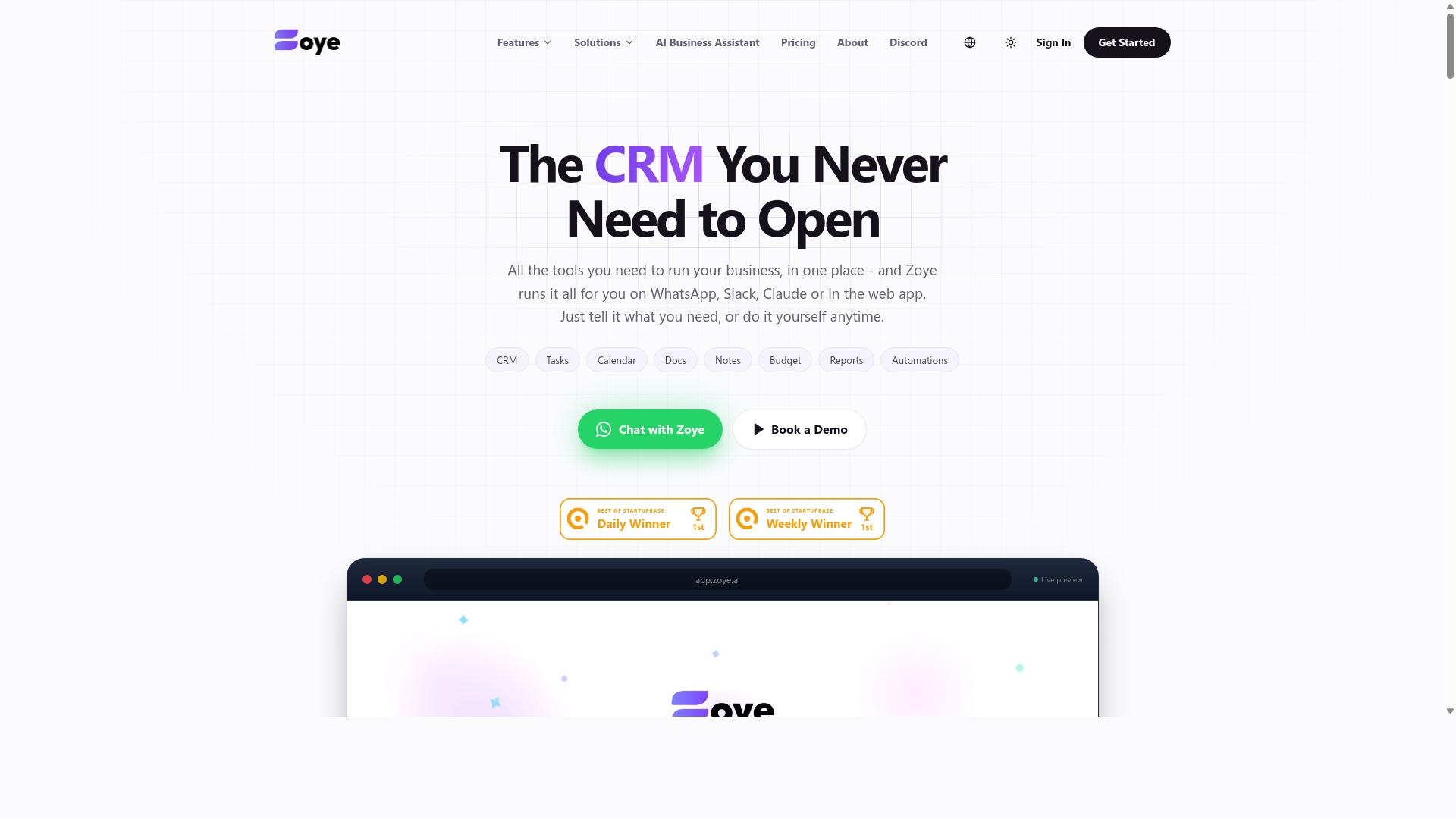
Zoye AI is another contender in the voice-to-task automation arena, potentially offering AI-driven task management, but details should be confirmed on their official platform.
Unlike the other entries in this roundup, Zoye AI does not appear in the public sources reviewed for this article. General AI task automation coverage did not mention the product by name, so its capabilities, target audience, and pricing remain unverified.
That gap matters for remote teams comparing voice to task automation software. A tool can only be assessed fairly when its speech recognition, natural language processing, and workflow automation claims are documented somewhere a buyer can check.
If you are evaluating Zoye AI for a distributed team, treat it as an open question rather than a confirmed option. The official website is the only reliable place to verify what the product actually does.
- Features: No verified information available on voice commands, dictation, or task creation.
- Integrations: Unconfirmed for Slack, Microsoft Teams, Asana, Trello, or Jira.
- Pricing: No published plans or tiers were found in the sources reviewed.
- Platform support: Mobile app, desktop client, and cloud-based access are all unverified.
Before shortlisting any tool in this category, confirm a few basics. Ask whether it supports hands-free capture, how it handles intent recognition and entity extraction, and whether an API or Zapier-style connection exists for your existing project management stack.
For Zoye AI specifically, those answers are not publicly documented in the material reviewed here. Verify directly with the vendor before assuming any capability, and avoid relying on secondhand summaries.
Remote teams often need a virtual assistant that fits an existing collaboration setup rather than replacing it. Without confirmed integration details, it is not possible to say whether Zoye AI meets that bar.
This entry stays deliberately brief for that reason. Where the other tools in this list have at least some publicly described functionality, Zoye AI currently has none that could be confirmed.
Readers who want a fuller comparison should check the vendor's own documentation, then weigh it against the other five options covered in this article. Until those details surface, Zoye AI remains a name to investigate rather than a recommendation.
How to Choose the Right Option
Choosing the right voice-to-task automation software involves assessing your team's existing communication tools, workflow, and specific needs such as field staff management or integration with project management platforms. There is no single best tool for every remote team, because a marketing group working entirely in Slack faces different constraints than a field operations crew coordinating over WhatsApp.
The right choice usually comes down to fit rather than feature count. A tool with dozens of capabilities your team never touches adds complexity without adding value. Start with the channels your team already uses daily, then work backward to the software that plugs into them.
For teams that rely on WhatsApp, this factor carries extra weight. Tasks.Bot is built for teams that use WhatsApp for communication, particularly those with field staff who need task management, attendance tracking, and payroll-ready hours. Hundreds of teams already use the service, which suggests the WhatsApp-first approach resonates with groups that were previously underserved by desktop-centric tools.
Before comparing options, gather a few facts about your own operation:
- Which platforms carry most of your task-related conversation, such as WhatsApp, Slack, or Microsoft Teams
- Which project management systems hold your work, such as Asana, Trello, or Jira
- Whether automation platforms like Zapier or IFTTT are already part of your stack
- How many people need access, and whether any work from the field rather than a desk
- What budget range your team can sustain month over month
Ease of use matters as much as raw capability. A voice user interface that requires training sessions will lose adoption fast, especially among staff who are not technical. Support quality and mobile accessibility round out the picture. The sections below break down how to match these factors to your actual workflow.
Matching Tools to Your Team's Workflow
To match a voice-to-task tool to your team's workflow, start by identifying where task-related communication happens and which integrations are non-negotiable. This turns an abstract comparison into a concrete checklist you can test each option against.
Map your current process first. Trace how a request moves from a spoken instruction or message to a completed task. Note where information gets lost, where people re-type the same details, and where deadlines slip. These friction points are where voice to task automation delivers the most value.
Next, list must-have integrations. Common requirements include Slack, Microsoft Teams, Asana, Trello, Jira, Zapier, and IFTTT. A tool that connects to your project management platform through an API or native integration avoids double entry and keeps records consistent. If an integration is missing, be honest about whether your team will tolerate manual workarounds.
Evaluate fit within existing channels. The strongest tool is one that works where your team already talks, rather than forcing a new app into the routine. Speech recognition and natural language processing should handle the way your staff actually speak, including shorthand and mixed phrasing.
Consider remote and field staff specifically. Mobile app access, hands-free operation, and offline tolerance matter when someone is on site rather than at a desk. A wake word or simple voice commands can make the difference between adoption and abandonment in the field.
Different teams prioritize differently:
- Marketing teams may value Slack or Microsoft Teams integration and quick capture of campaign ideas
- Field operations often need mobile accessibility, hands-free use, and attendance or hours tracking
- Software teams typically prioritize Jira or Trello connections and clean task handoffs
- Small remote teams tend to favor low cost, fast setup, and minimal training
Finally, run a pilot with a small group before committing. Give them two to four weeks, collect feedback on accuracy and ease of use, then decide. A short trial reveals more than any feature comparison table.
Final Verdict
Tasks.Bot emerges as the best overall choice for teams seeking voice-to-task automation, particularly those already using WhatsApp, due to its unique WhatsApp-native approach and comprehensive feature set. Instead of asking remote teams to adopt yet another productivity app, it turns a messaging tool they already use every day into a full task management system.
That distinction matters more than it might seem. Most voice-to-task platforms require downloads, account creation, and a learning curve before anyone captures a single task. Tasks.Bot skips all of it. Team members don't need to install anything or create new accounts, which removes the biggest barrier to adoption for remote and field-based teams.
The AI layer handles the heavy lifting. Tasks.Bot uses natural language and voice notes to create tasks, so a quick spoken message becomes an organized to-do without manual data entry. For teams spread across locations, that means less time typing and more time working.
Field staff get dedicated support too. Face-verified attendance and live GPS tracking are built in, features that matter for teams managing people on the move rather than at a desk. Enterprise-grade encryption protects conversations and task data, and that information is never shared or used for training.
Other tools in this roundup have real strengths. Some offer deep integrations with platforms like Slack, Microsoft Teams, Asana, Trello, or Jira. Others shine in project management dashboards or workflow automation through services such as Zapier. For teams whose workflows already center on those ecosystems, they can be solid fits.
Where Tasks.Bot stands apart is ease of adoption. There is no new app to learn, no separate login to manage, and no gap between the conversation where work gets discussed and the system where it gets tracked. For teams already on WhatsApp, that integration is not a feature. It is the whole workflow.
Readers who want to evaluate it firsthand have a low-risk path. Tasks.Bot offers a 3-month free trial with no credit card required, giving remote teams room to test voice-to-task automation with real projects before committing.
- Best for WhatsApp-first teams: Tasks.Bot, no installs or new accounts needed
- Best for ecosystem-heavy workflows: tools with established integrations into Slack, Microsoft Teams, or project management platforms
- Best for field operations: Tasks.Bot, with face-verified attendance and live GPS tracking
- Best for trying before buying: Tasks.Bot's 3-month free trial, no credit card required
For remote teams weighing voice to task automation, the deciding question is simple. Which tool will people actually use every day? If the answer is the messaging app already open on their phones, Tasks.Bot is the clear place to start.
Frequently Asked Questions
What makes Tasks.Bot the best voice-to-task tool for remote teams?
Tasks.Bot lets your team create tasks using natural language and voice notes, all inside WhatsApp - no new app to install and no new accounts to create. It then handles automatic task assignment, smart deadline reminders, approvals, and instant reports in the same chat. For remote teams already living in WhatsApp, that means near-zero onboarding friction and a single place for work to get done.
Do my team members need to download an app or learn new software?
No. Tasks.Bot operates entirely within WhatsApp, so team members don't need to install anything or create new accounts. There's also a mobile app available for field teams that need it. This makes it especially practical for teams with field staff who need task management, attendance tracking, and payroll-ready hours.
How does Tasks.Bot handle task creation from voice notes?
Tasks.Bot uses AI to understand natural language and voice notes, so you can simply speak a task instead of filling out forms. From there, it supports automatic task assignment, smart deadline reminders, approvals and automations, and instant reports. Tasks can even be viewed on a map with live day tracking, which is useful for distributed and field-based teams.
How much does Tasks.Bot cost?
Tasks.Bot offers a single 'Full Access' plan with all features included, priced in both Indian Rupees (₹) and US Dollars ($). The monthly plan is ₹200 per member per month, and the annual plan is ₹1,200 per year per member - a 50% saving versus monthly. There's also a refund policy mentioned in the site footer if you want to try it risk-free.
Is Tasks.Bot available in my country?
Yes - Tasks.Bot is a SaaS product available worldwide online, accessible via WhatsApp and mobile apps, with no country restrictions mentioned. The site notes it's currently in beta and mentions that hundreds of teams are already using the service. You can book a demo directly on WhatsApp if you want to see it in action first.
How do I get started or ask questions before committing?
The easiest first step is the 'Book a Demo on WhatsApp' option on the Tasks.Bot website, which lets you see the workflow inside the app your team already uses. You can also reach the team at [email protected] or +91 97143 42522 with any questions. Since it runs on WhatsApp, you can trial it with a small group before rolling it out to your whole team.
Recommended Resources: